Overview backdrop tap — board checks, 2026-10-19
The installed second build returns Home after a tap above or beside the Overview card, including the top Shade and side Back bands. Reopening Overview retains Terminal. Dragging on the body backdrop leaves Overview open. Pulling down the Shade and swiping Back still work, and tapping the card still opens Terminal.
This is board evidence from injected absolute-pointer input and native
grim captures, at 1232×568 on the landscape panel. These captures are
not a physical finger interaction, a camera recording, HDMI proof, or a
reboot test.
The later operator glass confirmation completing task 2.2 is recorded
separately in operator-signoff.md.
Multi-contact cancellation has host policy proof only.
Source, build and installation
-
Branch:
overview-tap, based on205ade0fd2bf8657852ed7fe50e136e02ee0fd89. -
Tested source:
90ac21db317751126b4dd46e95f5705c58f5b432. -
Build command (completed by the source Claude session):
flock /tmp/k230-nix-build.lock nix build \ "git+file://$PWD?rev=90ac21db317751126b4dd46e95f5705c58f5b432#kernelMainlineDrmShellLandscapeHdmiBootFiles" \ --max-jobs 4 --cores 8 --option substituters https://cache.nixos.org --fallback -
Build artifact:
/nix/store/mra4rvbi9j3k4rjfkmpk6dcvblbws0y9-k230-coherent-shell-boot-files. -
Installed system, confirmed with
readlink -f /run/current-system:/nix/store/qp8z15xgrkny5gnria1bx5hbb5xgv7ds-nixos-system-nixos-26.11.20260919.20b1ddd. -
Both
shellandshell-uiservices were active at 18:45:37 UTC. -
The existing deploy completed successfully at 18:42 UTC. No duplicate build or deployment was started during the takeover.
-
Host command:
python3 -m unittest tests.test_card_shell_state— 41 tests passed. Covers backdrop tap with a small wobble, drag returning to its origin, a second contact, stream cancellation, and the unchanged card tap.
Reproduction
Take /tmp/k230-board.lock before driving the board. SSH uses the existing
protected configuration at ~/tmp/k230-coordination/ssh_config.private;
no connection details or secret contents are recorded here.
tools/board-pointer.py creates a temporary uinput absolute pointer,
executes the action string and removes the device. For these checks the
board Python was:
PY=/nix/store/v189xydz6qkcd4cbkixcmv91w8hbc560-python3-riscv64-unknown-linux-gnu-3.14.7/bin/python3
ssh -F ~/tmp/k230-coordination/ssh_config.private k230 \
  "sudo $PY - 1232x568 'click 700 40; wait 1200'" < tools/board-pointer.py
Enter Overview using card_shell enter through swaymsg, as the shell user
with SWAYSOCK=/run/shell/sway-ipc.sock. Hide any shell overlay first with
k230-shell-rust --surface hide, as the shell user with
XDG_RUNTIME_DIR=/run/shell. The capture command was:
ssh -F ~/tmp/k230-coordination/ssh_config.private k230 \
  'sudo systemd-run --wait -q --pipe --uid=shell -E PATH=/run/current-system/sw/bin -E XDG_RUNTIME_DIR=/run/shell -E WAYLAND_DISPLAY=wayland-1 grim -' \
  > capture.png
The following sequence ran between 18:46 and 18:49 UTC. captures.json
records each capture’s UTC time, input action, original filename and SHA-256.
All PNGs are the original full-resolution grim bytes.
| Input / setup | Observed result | Capture |
|---|---|---|
| Hide overlay, enter Overview | Terminal card visible | overview-before.png |
click 700 40; wait 1200 | Title-band tap shows Home | title-tap-home.png |
| Re-enter Overview | Same Terminal remains available | overview-retained.png |
click 20 280; wait 1200 | Left Back-band tap shows Home | side-tap-home.png |
Re-enter, swipe 1130 200 1130 420 400; wait 1200 | Body backdrop drag leaves Overview open | backdrop-drag-overview.png |
swipe 700 10 700 370 500; wait 1200 | Top-edge pull shows Notifications | shade-pull.png |
swipe 8 280 240 280 500; wait 1200 | Side Back dismisses Notifications to Overview | side-back.png |
Enter Overview, click 616 280; wait 1200 | Card tap opens full-screen Terminal | card-tap-terminal.png |
Re-enter, click 1130 300; wait 1200 | Body backdrop tap shows Home | body-tap-home.png |
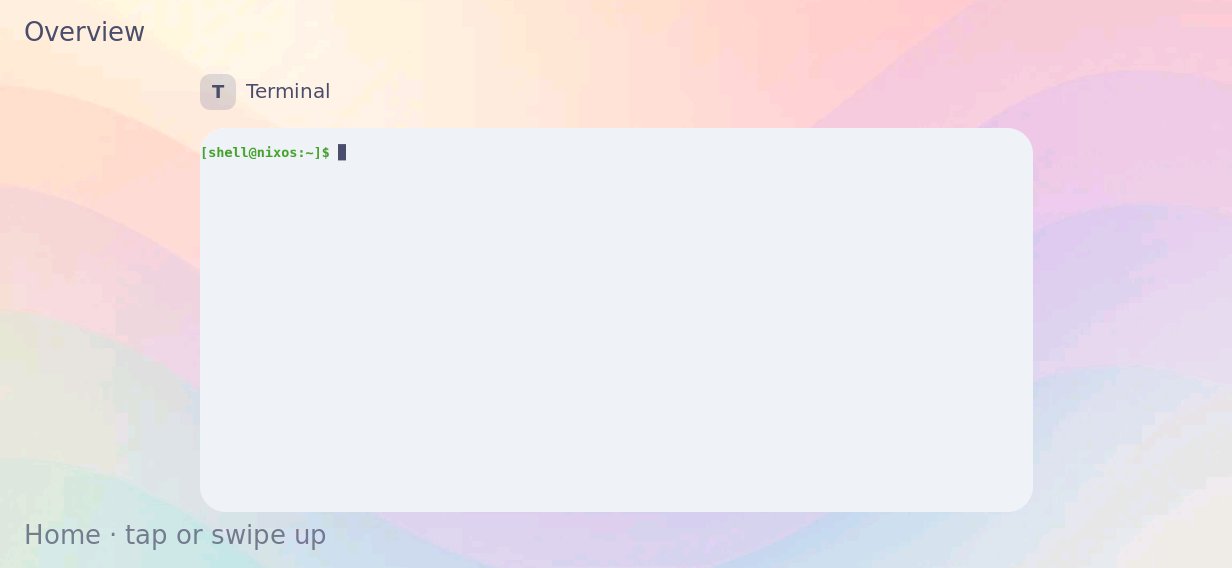
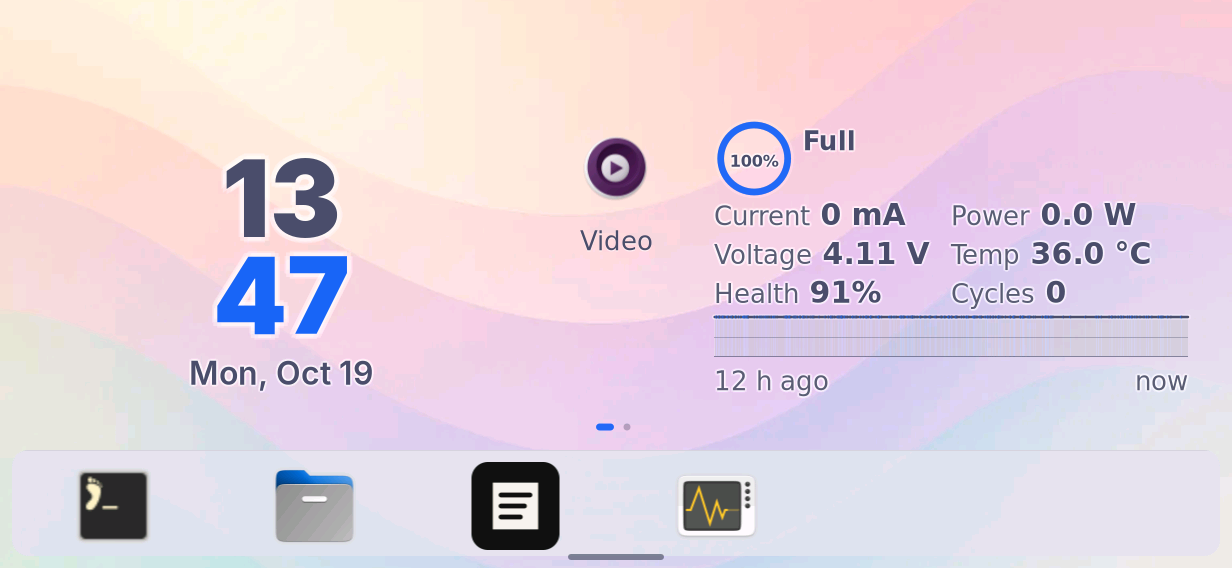
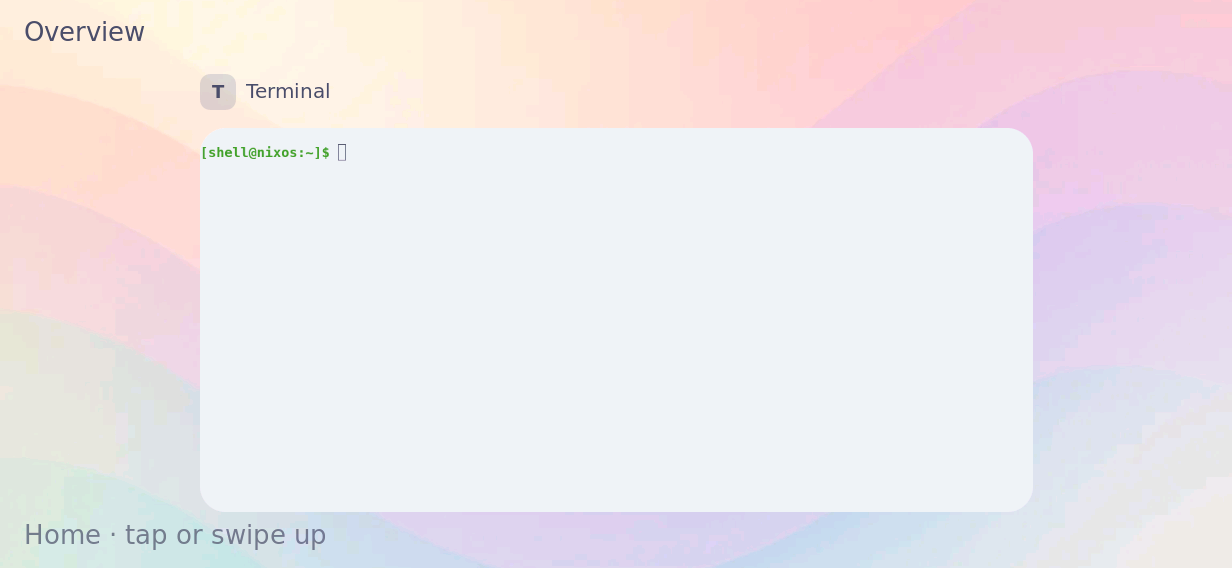
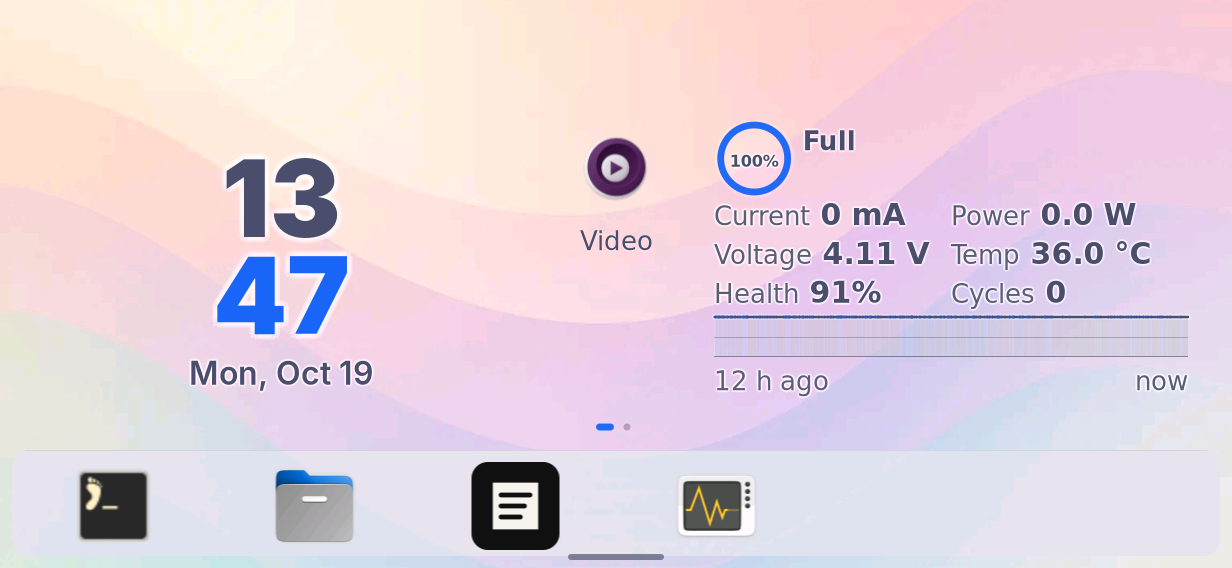
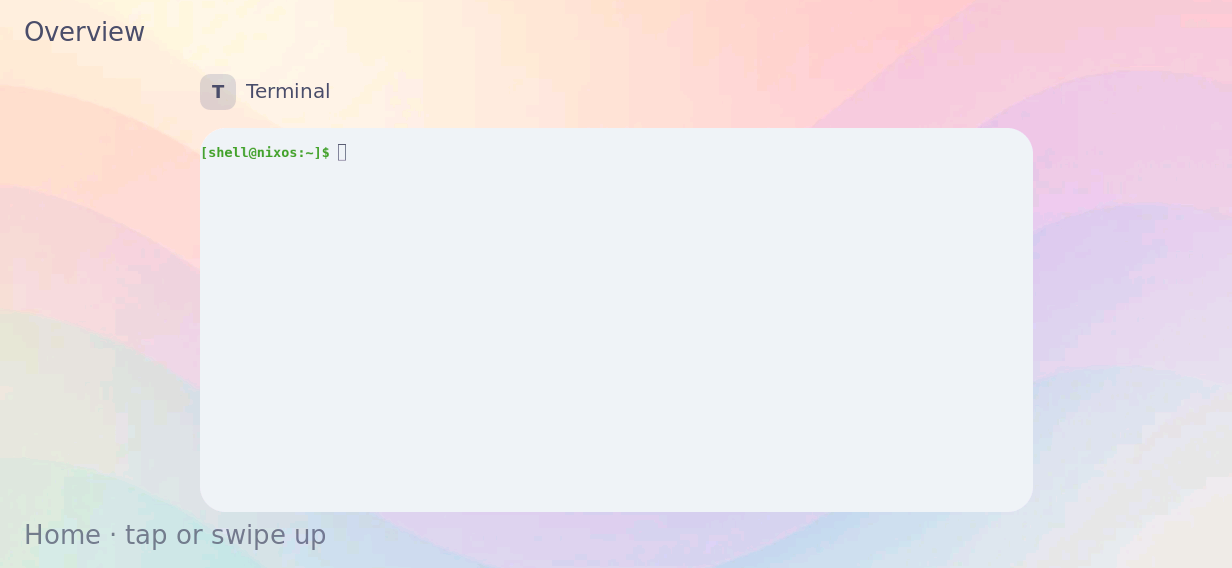
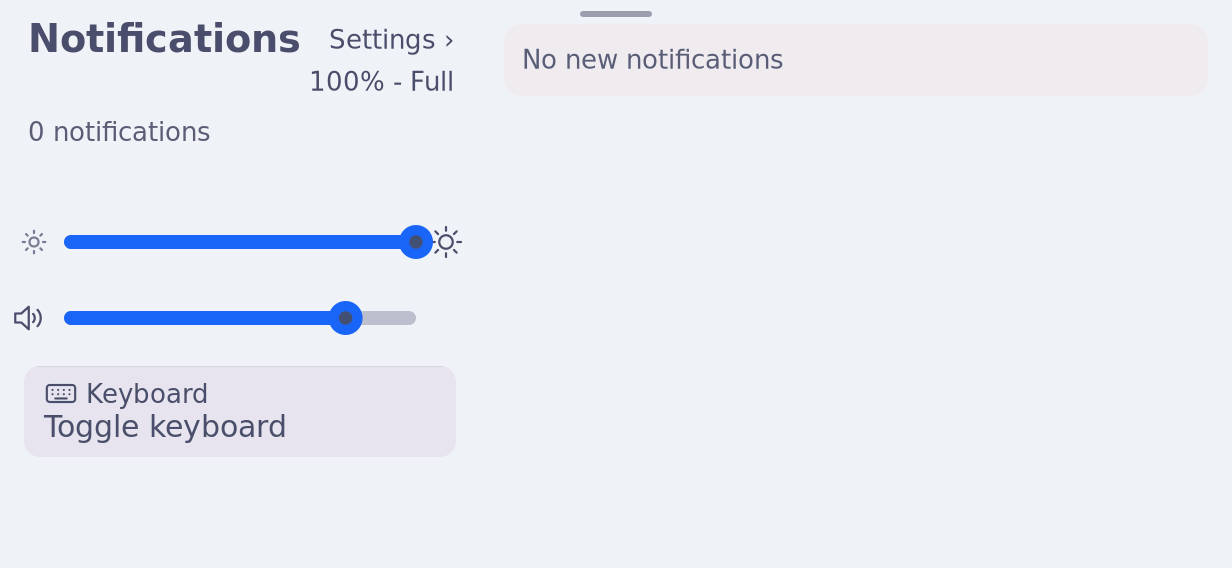
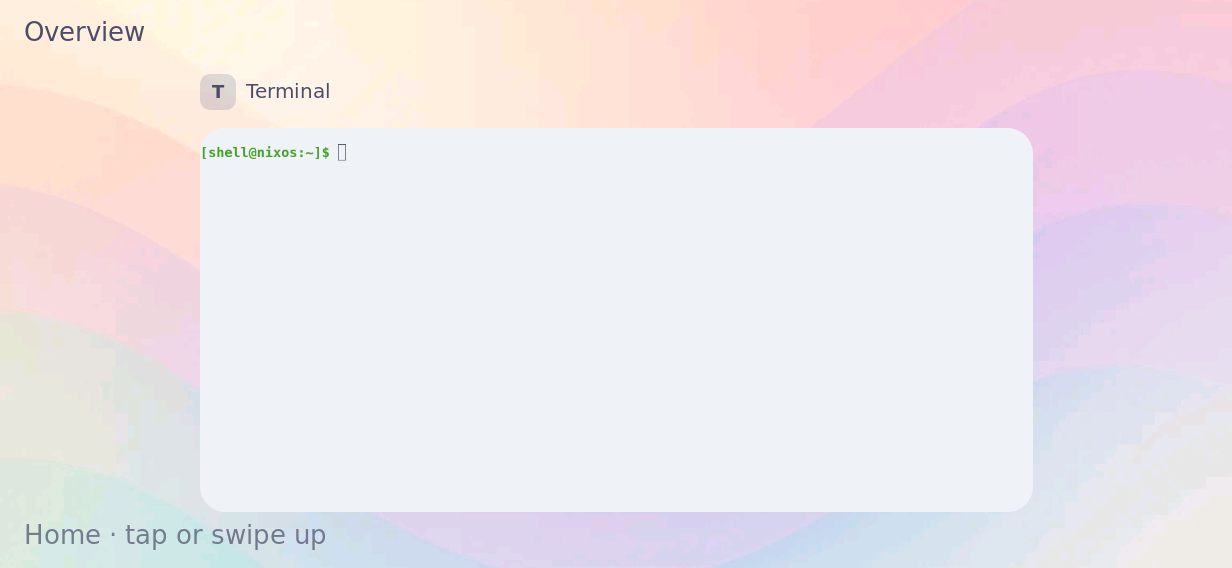
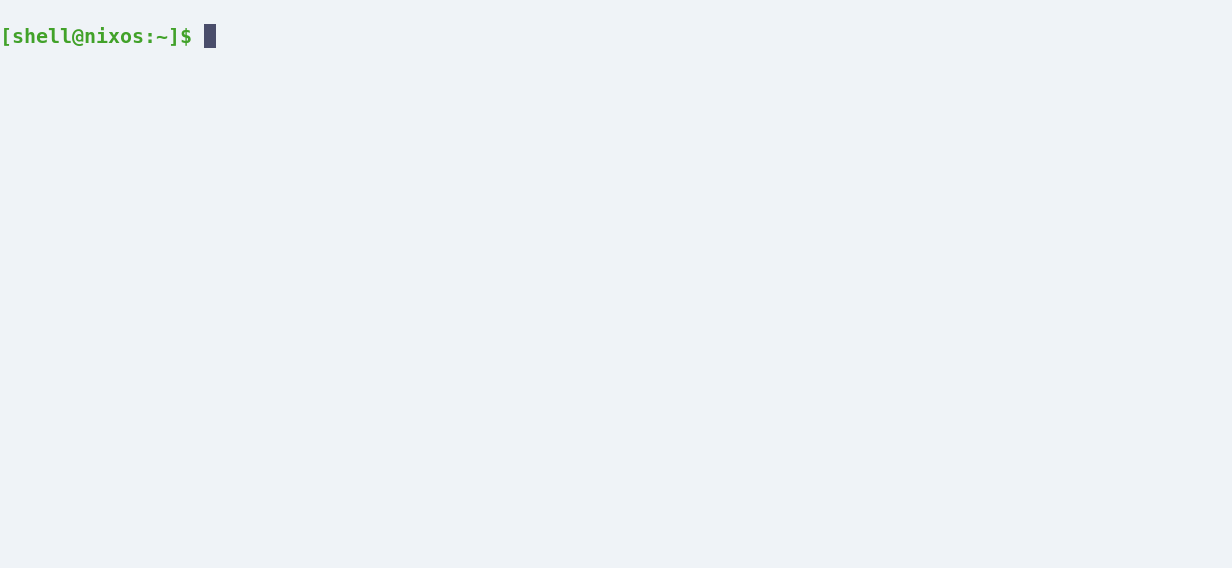
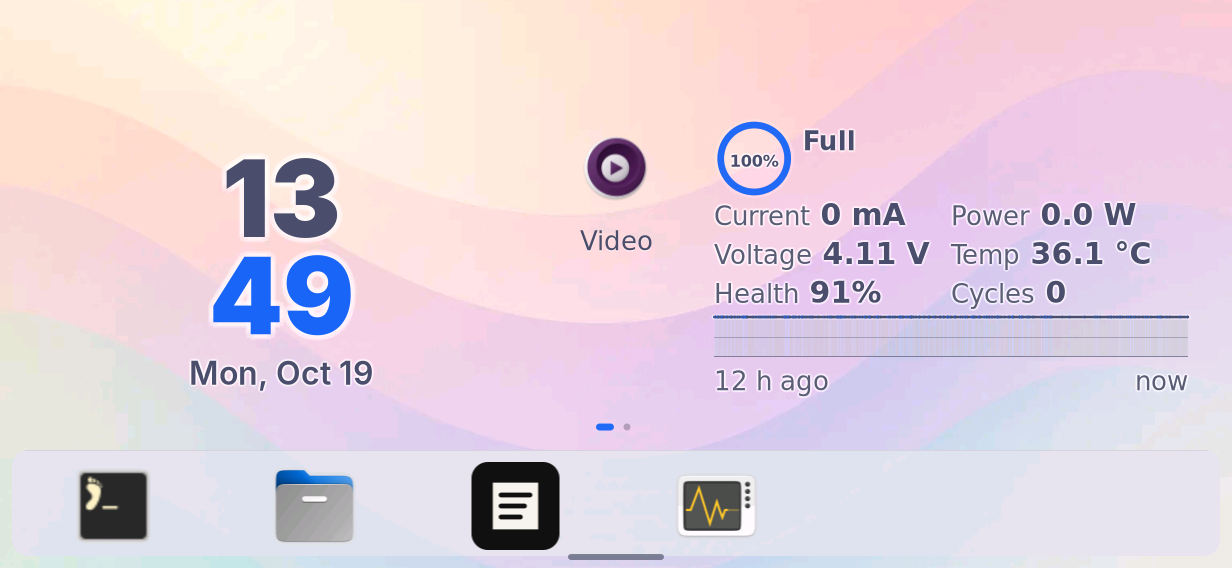
board-checks.log preserves the installed identity and
filtered compositor messages: home selected cards=1 after the title, side
and body taps; side-back target=2 after the side swipe. Each journal window
also contains earlier messages; the screenshots provide the state for each
individual action. No raw system journal is committed.
The first source build (9ff803bc) handled the body backdrop but a tap at
(700,40) stayed in Overview. Inspection found that the edge bands hold input
before it reaches the policy. The second build handles unmoved, uncancelled
Shade/Back-band taps outside cards on release. The first build’s scratch
captures are not substituted for the final-build evidence above.
The board lock was released after the checks. The board was left at Home with Terminal open. The operator subsequently completed the physical task: open Overview, tap the backdrop above/beside the card including the top/side strips, then reopen Overview and confirm the app remains. Their confirmation is committed in operator-signoff.md.