Real-touch Apps/Windows audit
Source: 20260923T000357Z-apps-windows-real-touch.mp4 (72.033 s, 1920x1080, 30 fps). I reviewed the camera frames at native resolution, including the finger contacts and the resulting display. The camera is rotated relative to the display; timestamps below use the source timeline.
Observed
- Around 28.5–29.5 s, a finger opens the real Applications page. The page visibly contains the
TerminalandMonitorcards. See physical-apps-menu-29s.png. - Around 30 s, the display visibly shows Monitor/htop, establishing the real touch launch/focus of Monitor. See physical-monitor-30s.png.
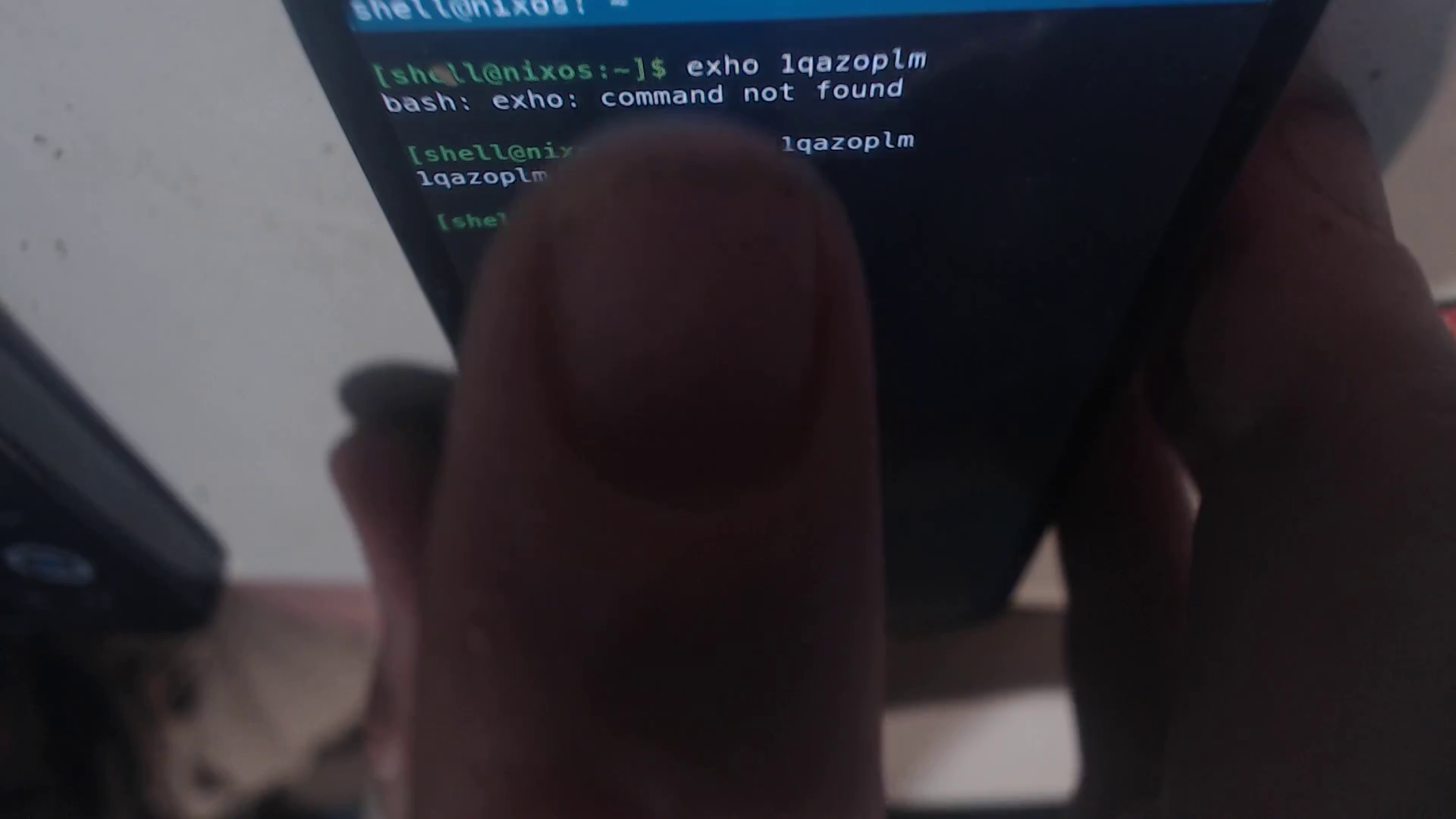
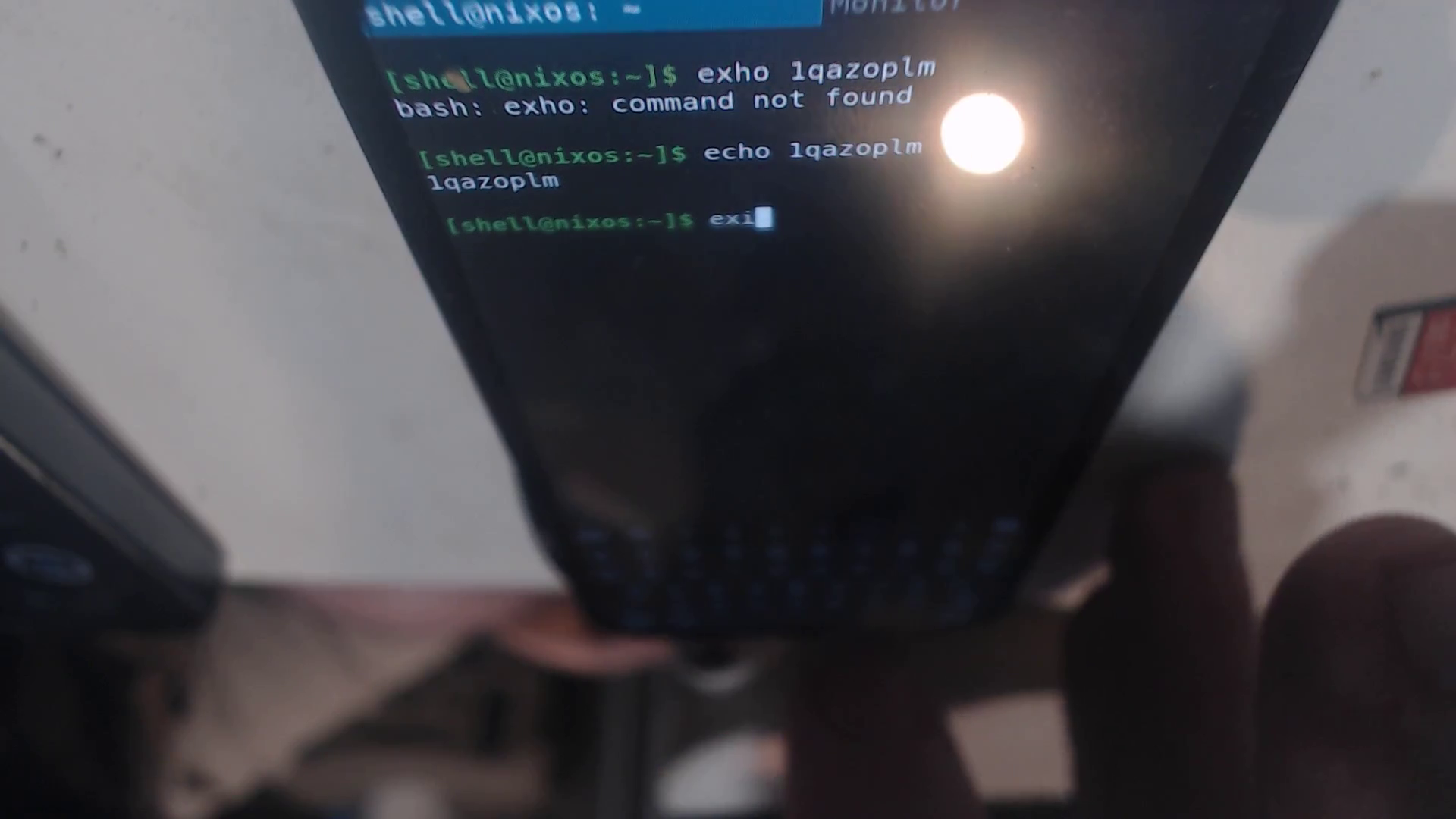
- Later the display returns to the real shell/Terminal window (roughly 36–49 s) while fingers operate the lower touch controls. A command is entered progressively at the prompt, reaching
exiin the clearest frame; the recording does not show a completedexitplus Enter. See physical-terminal-exit-49s.png. - Around 50 s and through the 72 s endpoint, Monitor/htop is visible again. A final Terminal recovery via Windows/Home is not visibly established.
Result
Confirmed: real finger contact; Apps menu; Terminal and Monitor are present; Monitor is visibly focused; Terminal is visibly focused again afterward; the operator begins typing the requested exit text.
Not confirmed: hide-keyboard toggle result, a completed/submitted exit, Windows/Next focus as a distinct named action, or Windows/Home recovery of the closed Terminal. The endpoint remains Monitor with the lower keyboard/touch area visible, so this clip cannot support a full-pass claim for those items. No hardware or application state outside the camera view was inferred.