First-enable display preservation trial
The diagnostic image boots to a correctly arranged portrait shell and visibly updates the physical display. It is not a seamless splash handoff: the first full-boot camera recording contains approximately 1.1–1.2 seconds of darkness before Sway content appears. The daily image still uses the console path; this diagnostic image and kernel change have not been promoted to that default.
Reproducible inputs
- Source branch:
diagnostic/preserve-splash-image, commit671d404f60076f39cfe1c93ca9f6f4d61b7d6c4a. - Build commands and immutable outputs, including image SHA-256.
- Host-side boot partition inspection: 2,799,104-byte
logo.xrgb, inspected from the built image, not read back from the board. - Full image write and boot: UMS write, USB host regression checks, reset and Linux inspection. Full-image readback was deliberately skipped, as requested for routine flashes. No home backup was restored.
The kernel diagnostic preserves the stage-1 VO/DSI configuration on the first
matching-mode enable; later disables/re-enables use the normal initialization
path. This is not adoption of the original framebuffer. Linux still programs
its own plane buffers. The image enables the existing immutable DRM owner and
shell release hook by setting k230.panelConsole = false.
Physical results and their limits
Three automatic warm boots ended with the expected portrait geometry, bar, terminal and colors. See initial inspection, repeat 1, repeat 2, and sampled-frame audit. These are warm-reset observations, not battery power-on evidence or a complete real-touch acceptance test.
The first full boot video shows the dark gap. Compositor startup source analysis identifies a black initial scene before shell clients start as a candidate cause. Source analysis does not establish the physical cause by itself.
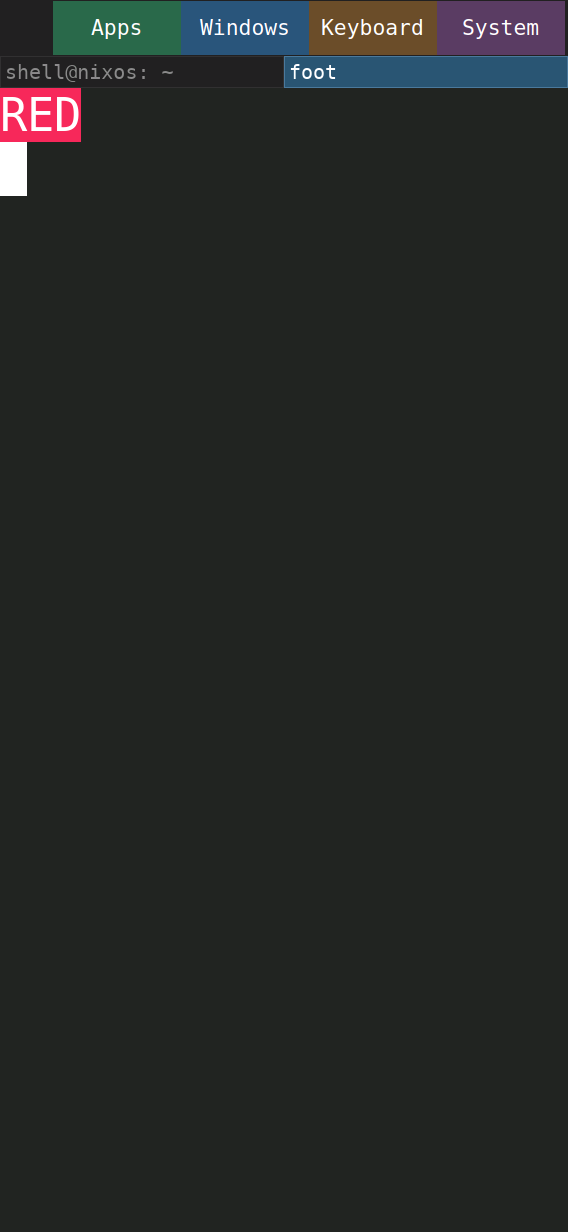
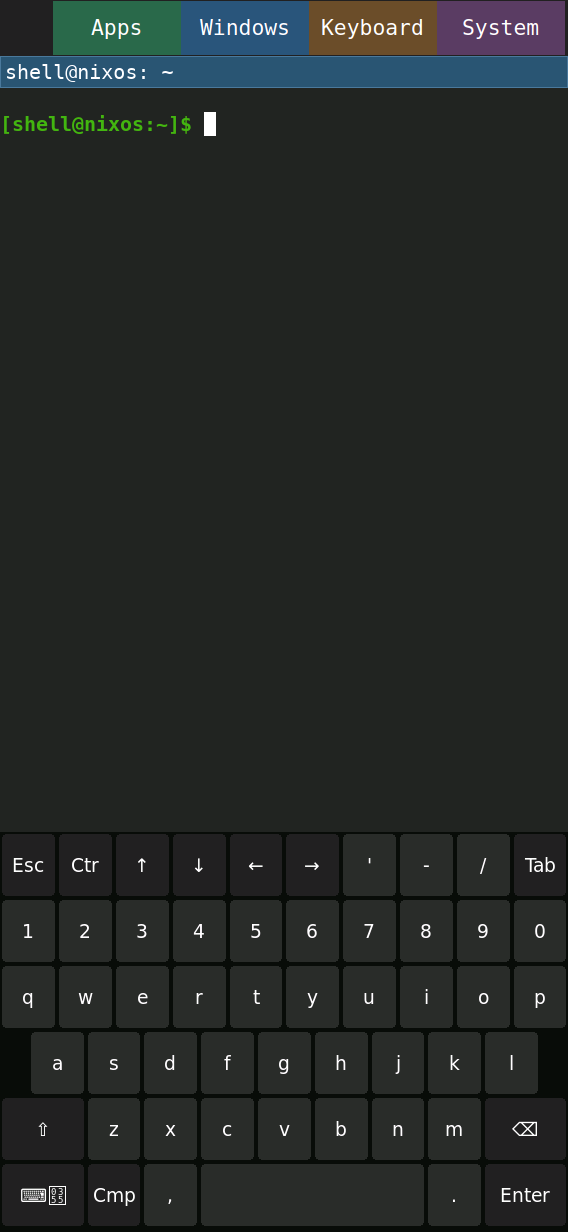
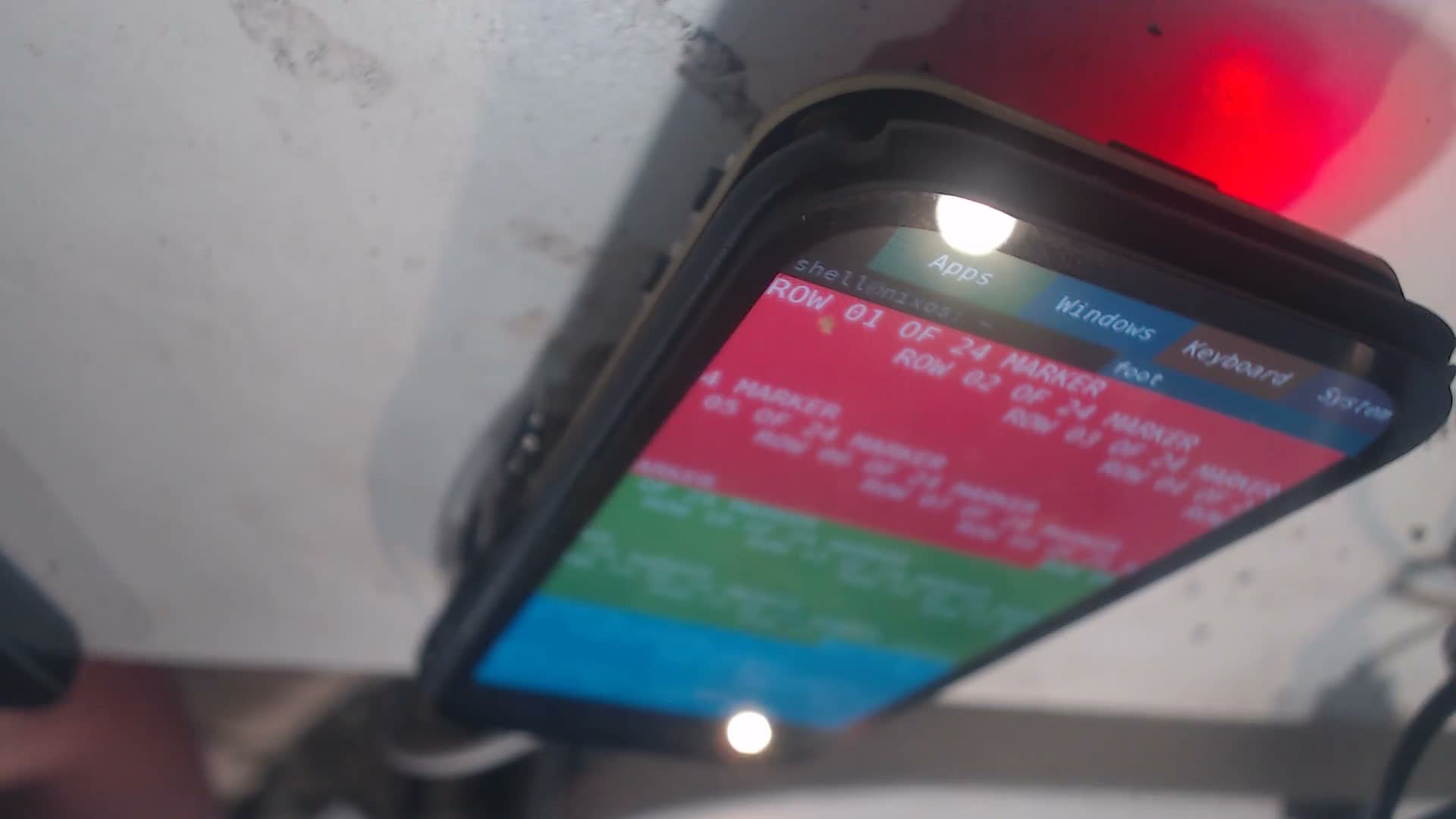
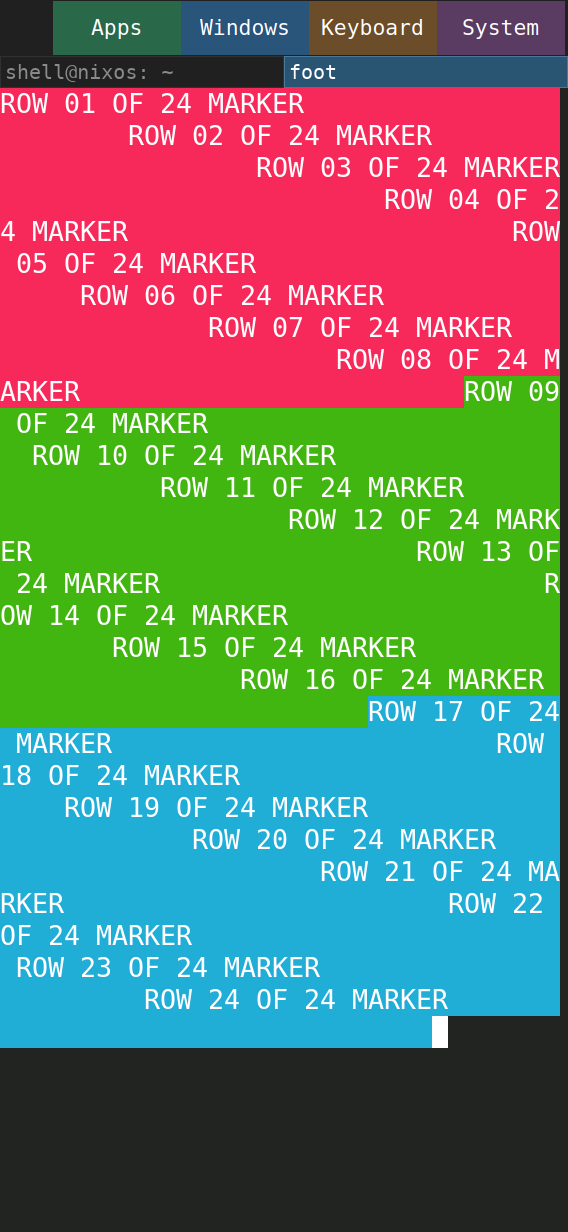
Native screenshots of keyboard show/hide initially changed while the short camera clip did not clearly show a keyboard. That was insufficient evidence of reliable physical updates. The subsequent color sequence video shows RED text, then a green field, then a blue field, and returns to the terminal. Launch command, script transfer, native RED frame, and kernel inspection record the stimulus and software state. The initial RED background stayed dark in the native frame too; only its label was red. This trial establishes visible successive content updates, not a frame-rate or latency measurement.
Missing-logo recovery
For the same diagnostic kernel, a temporary boot moved logo.xrgb aside,
added console=tty0, and masked the two userspace renderers. The
boot log and inspection show no
stage-1 splash flag, normal panel prepare, and /dev/fb0. The
physical console frame, extracted at 90 seconds from the
no-logo video, shows
console text on the glass. The oblique, reflective camera view limits small-text
legibility; it is not a calibrated motion measurement.
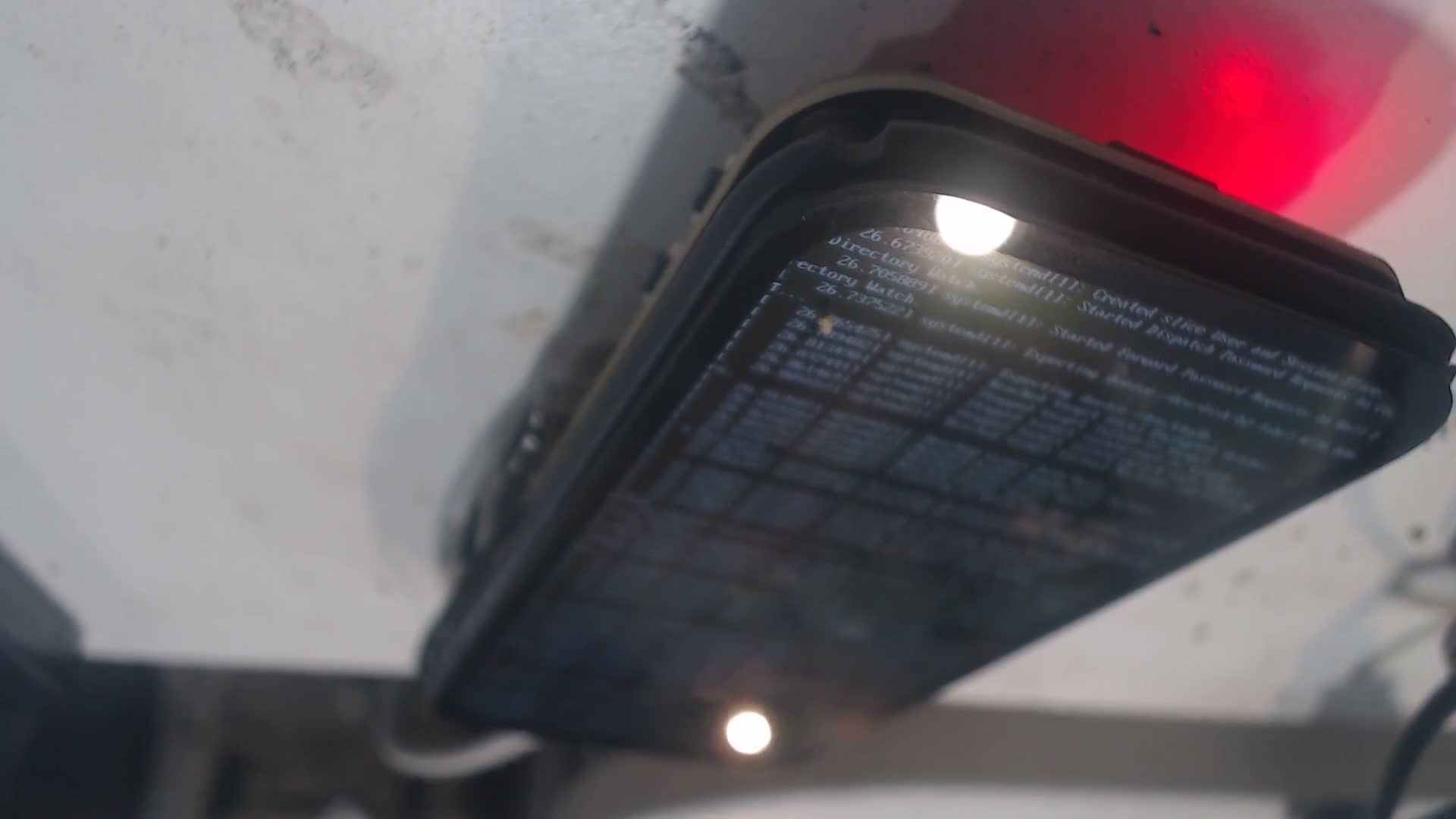
Restoration commands restored the original logo and boot arguments. A second boot then restored the splash configuration with shell, seatd and firewall active; see inspection. No temporary service masks or console override remained in that command line.
Remaining acceptance work
Remove the compositor startup dark gap, verify cold/battery boot and physical touch acceptance, complete the prescribed static-splash motion measurement, and repeat display disable/re-enable checks as the patch changes. Keep the normal console image available as recovery while these checks remain open.
Display disable/re-enable
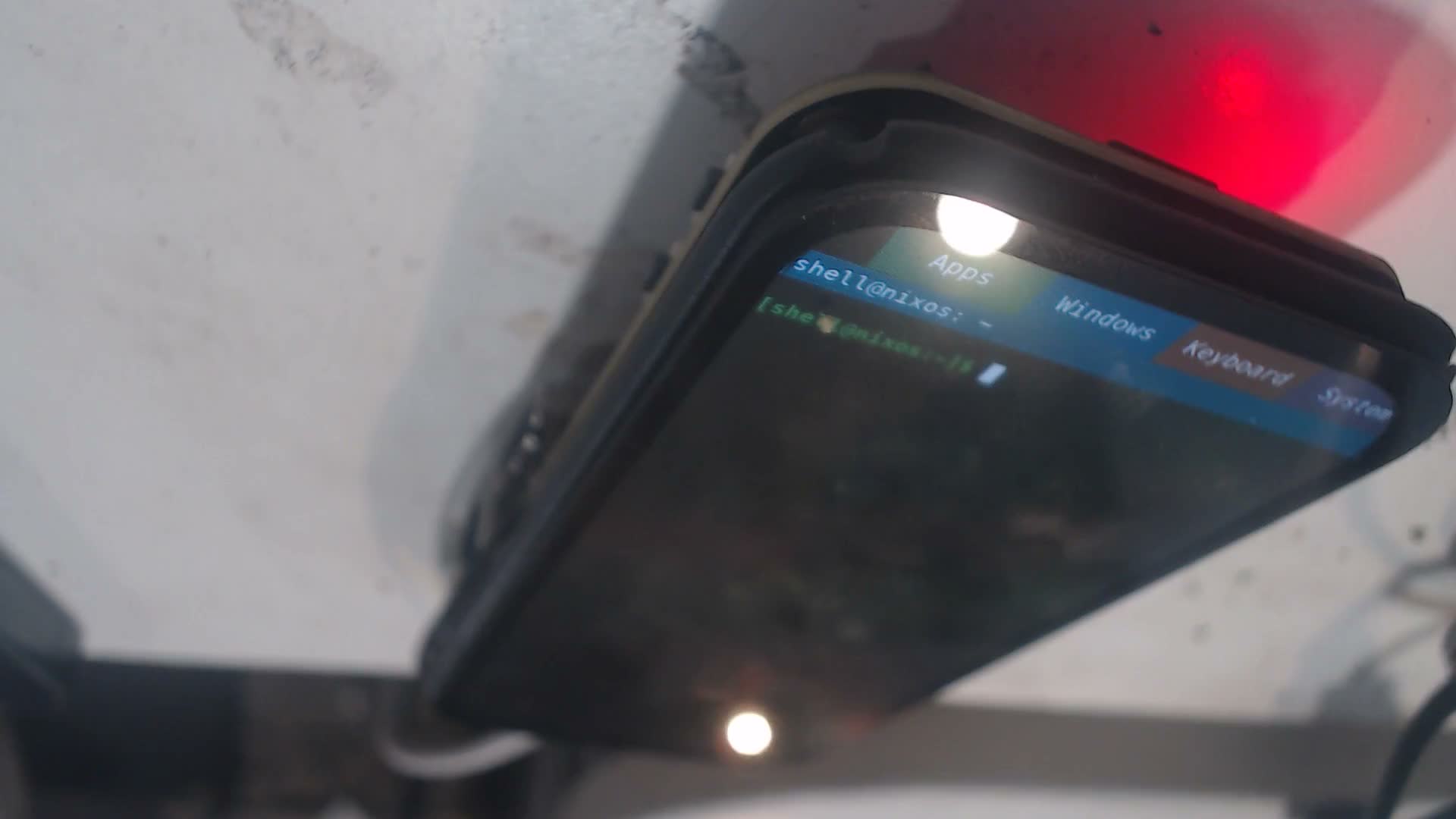
The off/on camera recording
shows the panel dark during the requested power-off and the portrait shell
returning after power-on. The commands request a three-second
off interval, and kernel inspection shows a later
canaan_panel_prepare: entered, init_set_v1_flag=1, following the first-enable
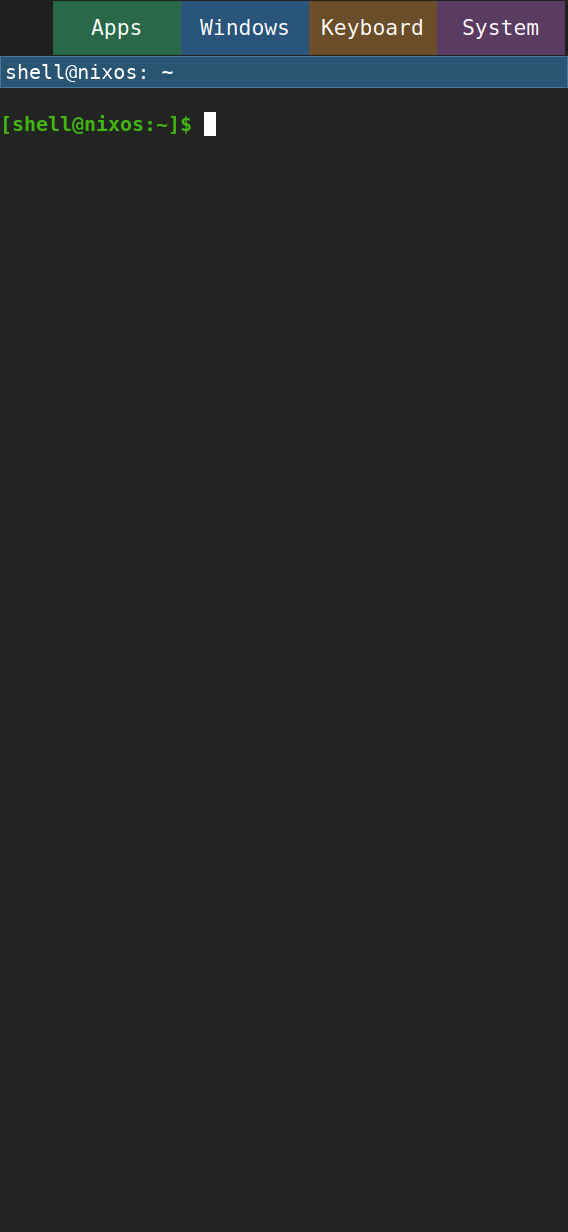
preservation messages. The late physical frame
and native frame show the recovered shell.
The console also records failed diagnostic DCS ID/power reads; these are not
suppressed or interpreted as successful reads. Visible recovery is the evidence
for the display result. This one cycle is not an endurance test.
The subsequent explicit keyboard signal trial used SIGUSR2 to show and SIGUSR1 to hide, eliminating toggle-state ambiguity. The native screenshot includes the keyboard, but sampled camera frames still do not clearly show it. The visible Foot updates do not resolve this keyboard-specific discrepancy; physical keyboard visibility remains unverified for this diagnostic image.
A full-height pattern photograph and native counterpart show red, green and blue bands at successively lower positions. This confirms visible content in the lower part of the display; it does not explain the keyboard discrepancy. The terminal’s row labels wrap in both views, so this pattern is not a calibrated geometry or text-layout test.
The *-capture.py.txt files and capture-helper.py.txt retain the exact host
scripts used for the later stimuli. They reference the integration worktree
and a temporary /tmp/k230_demo.py helper; they are capture provenance, not
installed board software or a standalone public tool.
The bright keyboard diagnostic uses a temporary additional wvkbd process with white keys, black text and cyan background. Its physical frame shows a bright lower-panel region where the native keyboard is drawn. The key grid and labels remain unresolved in the oblique camera view; this narrows the uncertainty but does not prove complete keyboard geometry. The cleanup log confirms that only the original packaged keyboard remains after the temporary process times out. No theme or image defaults changed.
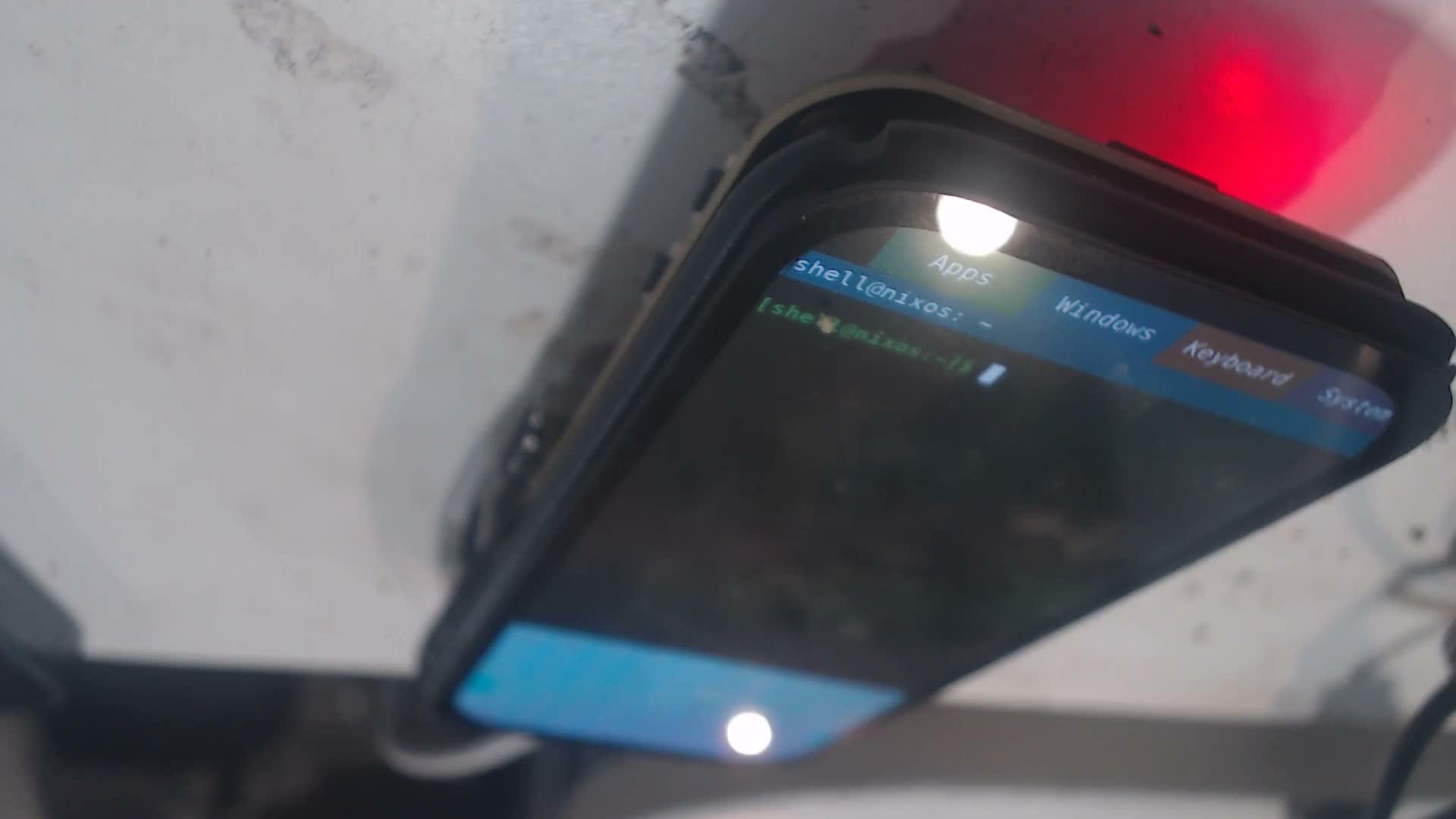
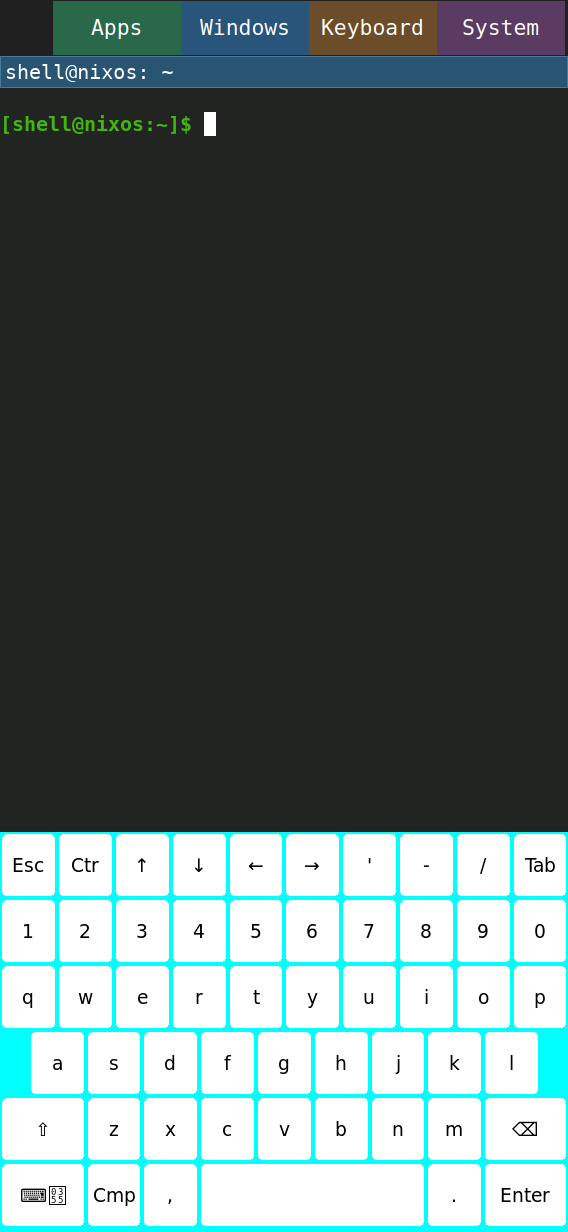
A manual camera focus sweep through 90, 110, 130, 150 and 170 with the default keyboard shown did not resolve its keys in the sampled images. Timing and focus controls record the stimulus. Focus was restored to 90 and the keyboard hidden afterward.