Pointer navigation UX audit
The installed board reproduced the reported navigation gap: a standard mouse click on the overview’s “Swipe up for Home” footer left mode=1 home_selected=0. Before capture is a visually reviewed native capture of that physical board, driven through Sway’s standard cursor/button path. It contains only an empty terminal prompt and the shell wallpaper.
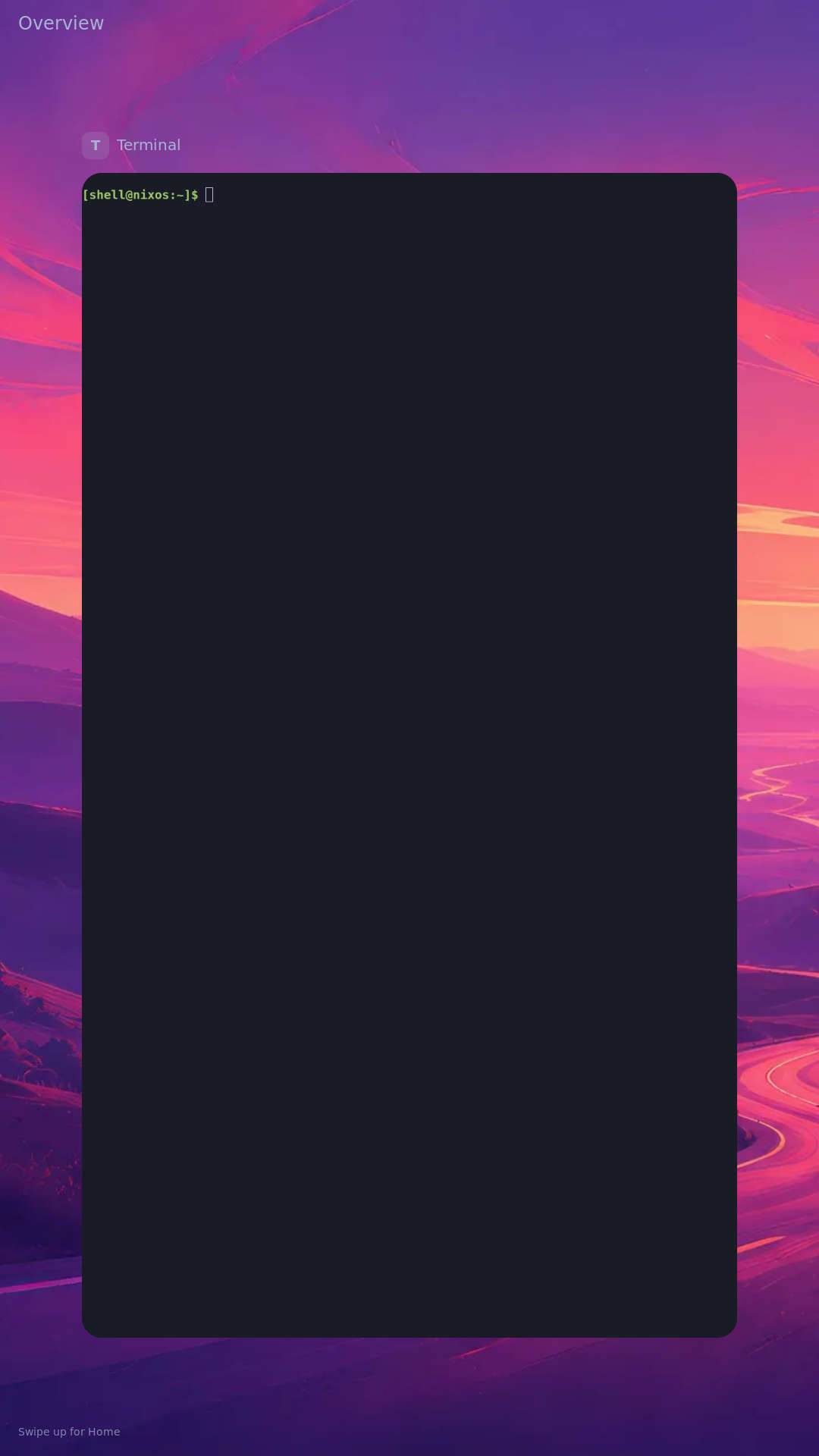
Host tests and before observation record the exact source hashes, installed system, commands and limitations. The host library and policy checks pass. Final host and headless results record the rebuilt compositor passing Home, card wheel/activation, bottom mouse drag, tap and cancellation checks. Full system cross-build, installed-board after matrix and physical glass acceptance remain separate gates until recorded below.
The intended routes are:
| Start | Pointer/touch action | Destination |
|---|---|---|
| App | Primary-button drag up from bottom display edge; touch swipe up; four-finger inward pinch in HDMI trackpad mode | Overview |
| Overview | Click/tap the Home footer; swipe/drag up from it | Home, retaining all app windows |
| Overview | Click/tap a live card; four-finger outward pinch in HDMI trackpad mode | Selected live app |
| Overview | Mouse wheel or two-finger scroll | Adjacent card |
| Home | Swipe/primary drag up from bottom display edge | App drawer |
| Drawer | Click/tap app tile | App |
| Drawer | Click/tap top handle; drag it down | Dismiss drawer |
| Any ordinary surface | Primary drag/touch down from top display edge | Notification shade |
| Shade | Click/tap Settings; drag up to dismiss | Settings or previous surface |
| Settings | Click/tap Wi-Fi or Themes, then their Back header | Subpage and back |
| Settings | Click/tap Done | Dismiss Settings |
| Scrollable shell content | Mouse wheel or two-finger scroll | Bounded content movement |
Mouse edge drags are relative pointer actions from the active display’s edge. The inactive built-in glass stays a trackpad in HDMI mode; its physical edges are not absolute display coordinates. Four-finger gesture bindings are device scoped. A normal application’s two-finger zoom is left available.
All media and raw logs generated by tests/shell_pointer_navigation.py --capture initially remain private under its mode-0700 output directory. Home can contain location information and Wi-Fi contains network names; those full captures must not be published. No Wi-Fi connection, theme activation or power action is part of this navigation audit. Native capture, injected events and physical finger observations are distinct evidence classes.
The full profile build succeeds, and five actual Rust screen clicks pass in headless mode with a real advertised virtual pointer. The fixture deliberately disables Settings helpers; it does not establish Wi-Fi or candidate-theme data. Its source artifact preserves the executed setup and command.
The first installed matrix found a separate focus regression: the app was focused but Home still covered it. An existing callback had been inserted inside the session-lock conditional. The context-anchored correction passes the expanded headless regression; final installed-board results are recorded separately. The first build and first installation remain historical records.
Installed result
All 18 checks in the installed pointer matrix passed on profile w9i5772w5bjs0j8di0ay82fi496d11ix, with source correction ee913cad. Installation verification records both system profile links, three active services and exactly one enabled trackpad relay. Standard Sway cursor injection drove these checks; they are not physical finger acceptance. No flash or reboot was needed.
Reviewed native captures: overview with Home footer, app drawer, and theme chooser. Home and Wi-Fi captures remain private; no network names, credentials or private addresses were published. The audit browsed themes without applying them and visited Wi-Fi without attempting a connection.
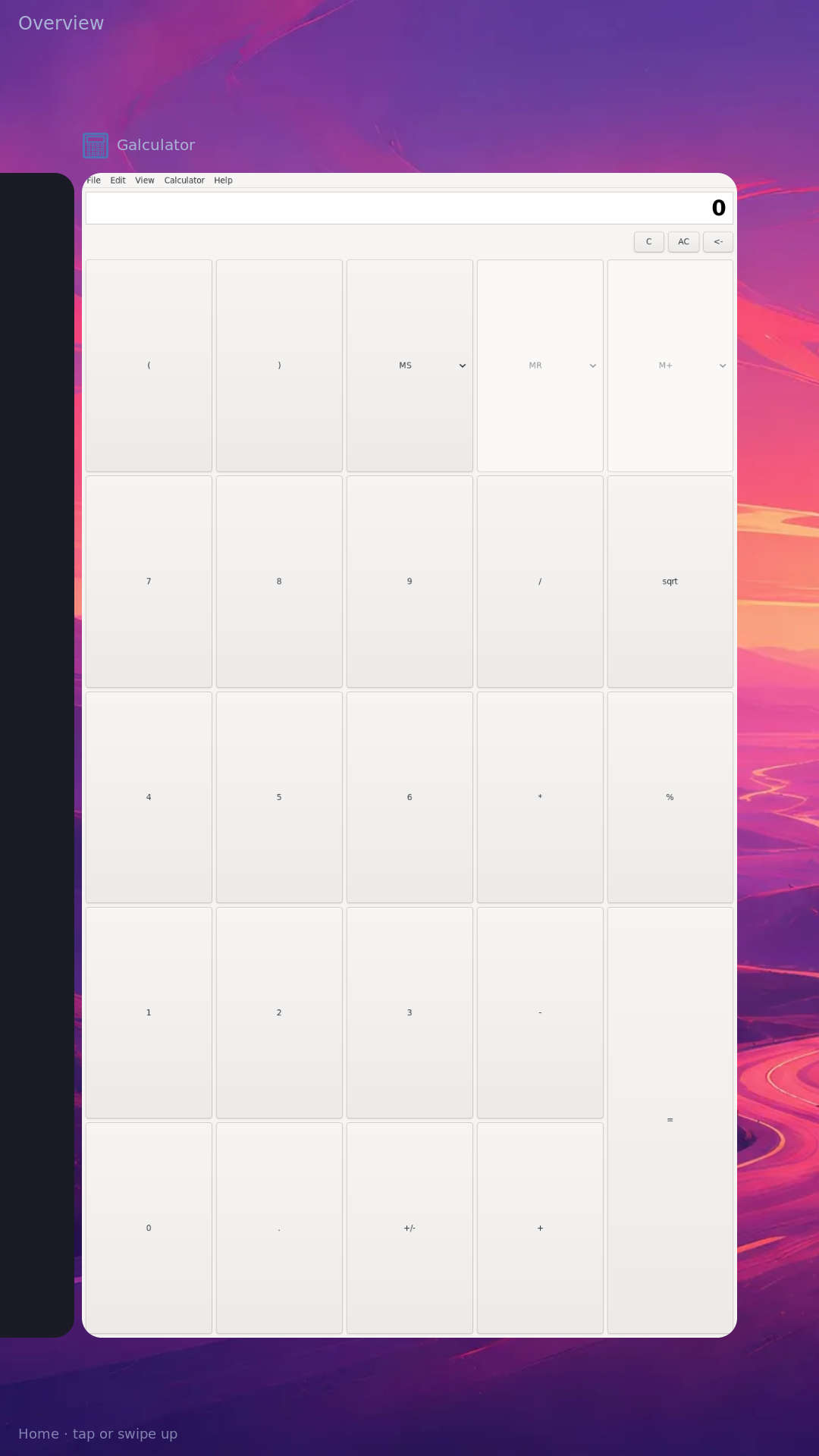
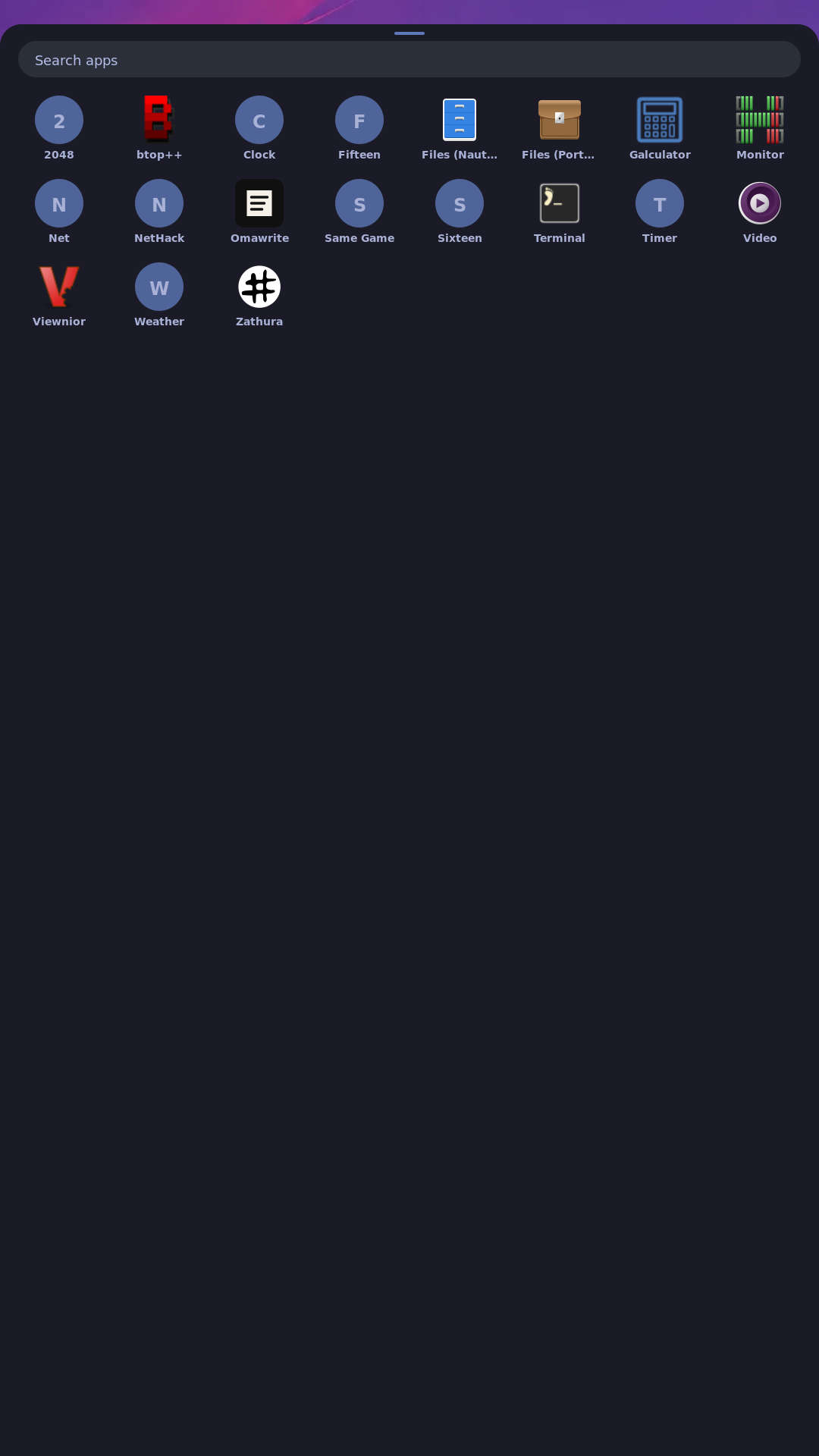
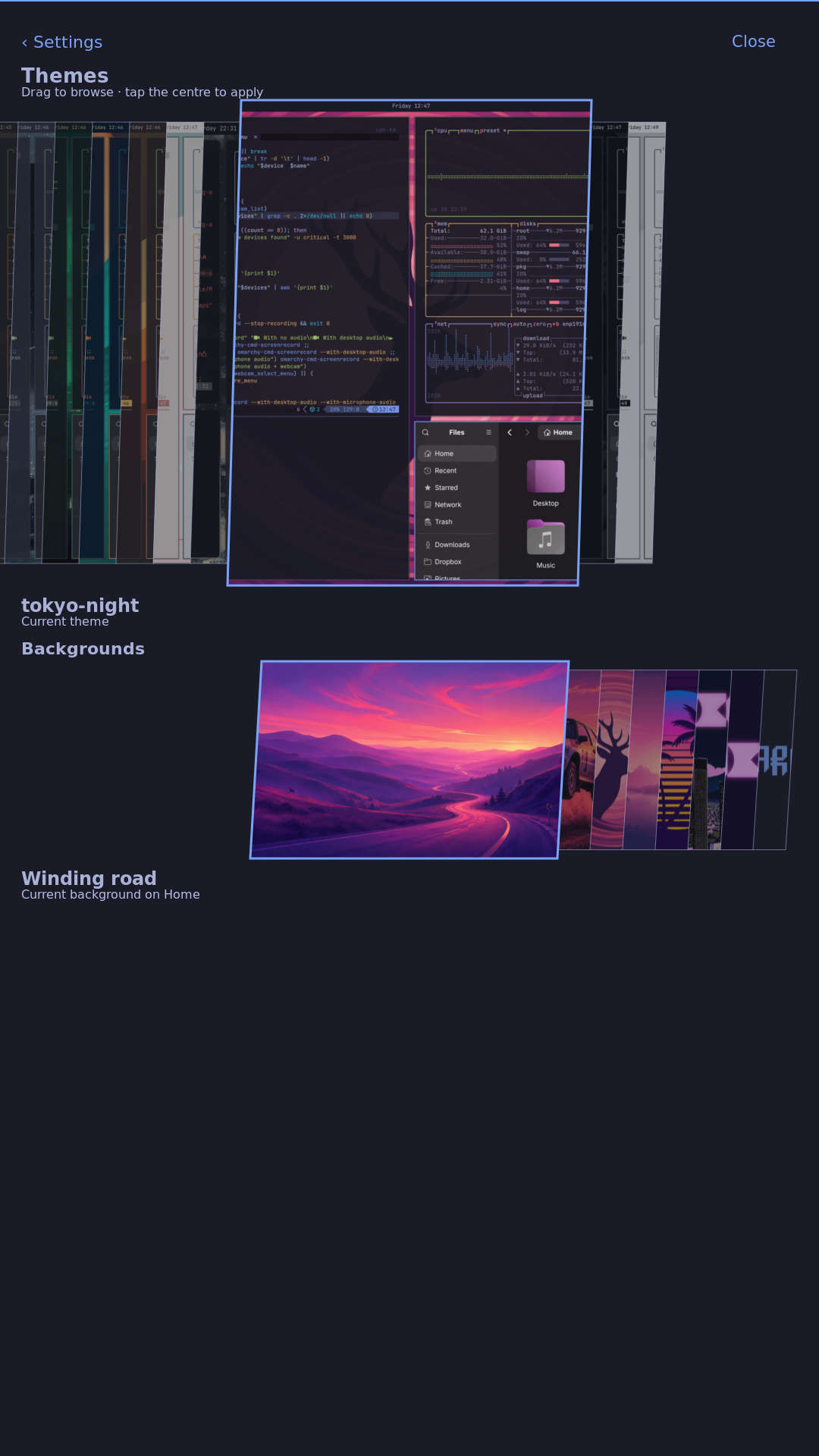
Physical acceptance remains UNVERIFIED: on the active panel, tap Home from overview; in HDMI trackpad mode, click Home, drag from the active display edges, pinch four fingers inward to overview, then spread four fingers to expand the centered card. Existing apps should remain open. Task 3.3 stays unchecked and the change stays open.
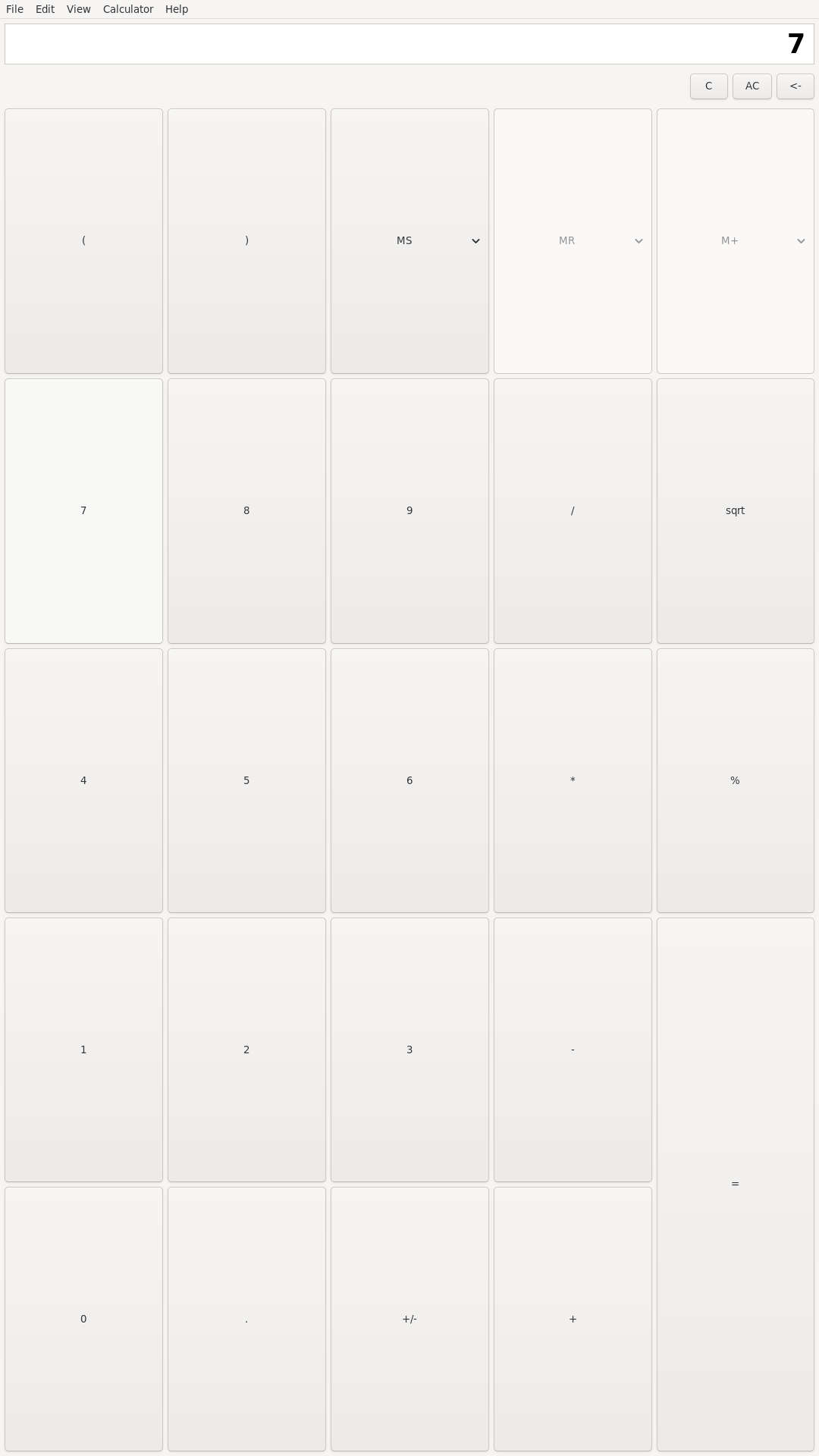
An additional ordinary application click changed Calculator from 0 to 7, verified in the native app capture. This establishes that shell pointer handling also passes ordinary app clicks through, rather than only handling its own overlays.
Publication verification records the exact dashboard revision, successful Pages run, rendered evidence page, image discovery and matching public image hashes. Source, installed proof and reviewed captures are landed on master; only the named physical acceptance gate remains open.