Installed and verified
Room for apps and updates
The system expanded its compact root filesystem on the physical 128 GB card, leaving about 119 GB free. A second boot preserved the capacity, boot files, shell and Wi-Fi.
Storage evidenceK230 verification ledger · Updated September 23, 2026
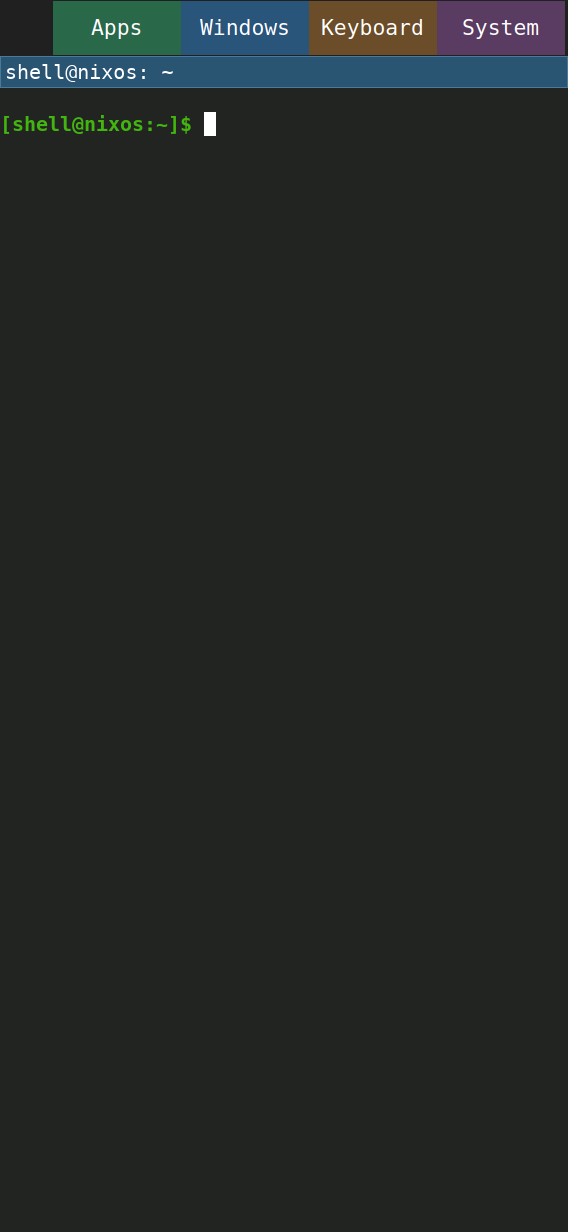
NixOS boots into a portrait Sway session with an on-screen keyboard, desktop application launcher, window controls and system actions. The camera sessions below were performed by hand on the board.
See the public work board for current proposals, remaining tasks and evidence gates.
The shell, launcher, offline tools and Help are archived. The operator's keyboard and Home confirmations are recorded alongside the camera evidence; the deliberate full-panel drag scenario remains explicitly unverified in the published spec. Captures are dated September 23 in UTC.
Progress · September 23, 2026
Installed and verified
The system expanded its compact root filesystem on the physical 128 GB card, leaving about 119 GB free. A second boot preserved the capacity, boot files, shell and Wi-Fi.
Storage evidenceExperimental shell · measured on board
A new profile attributes about 98% of repaint CPU to constructing and painting frames. After correcting a test setup race, all 13 injected interaction checks passed again. A scaled-pixel cache passed interaction checks but increased CPU cost in its board comparison, so it stays disabled. Performance and real-finger acceptance remain open.
Repaint profile and remaining performance gates Corrected test and board repeat Cache comparison and decisionExperiment complete
Vector state and 192 pixel comparisons passed. Card performance gains were small and mixed. Work is underway to bring the proven vector path into the normal image; the candidate still needs its own boot and recovery checks.
Measured decisionNext: reduce card repaint cost, verify the feel with a finger, and refine the shell, launcher, settings and notifications into a coherent webOS-inspired interface. That interface is still in development. Try the gesture and motion study · See the proposed screens · Read the design overview.
The requirement count tracks archived specifications. This progress summary and the feature demonstrations also report verified work in changes that remain open. Landing a proposal does not make it an installed feature.
Home becomes a live card deck. Pull up to open the app drawer, swipe between cards, tap to expand an app, and pull down for notifications and Settings. The interactive study uses app icons and lets you replay the proposed movement.
Open the interactive design study · Browser mockup with sample content; this is a proposed experience, not a recording of installed board software.
Swipe between app pages, open a window overview, and tap a card to return to a running app. This short finger-driven session shows paging, window cards, selecting Monitor, and returning to Apps. The existing buttons remain available.
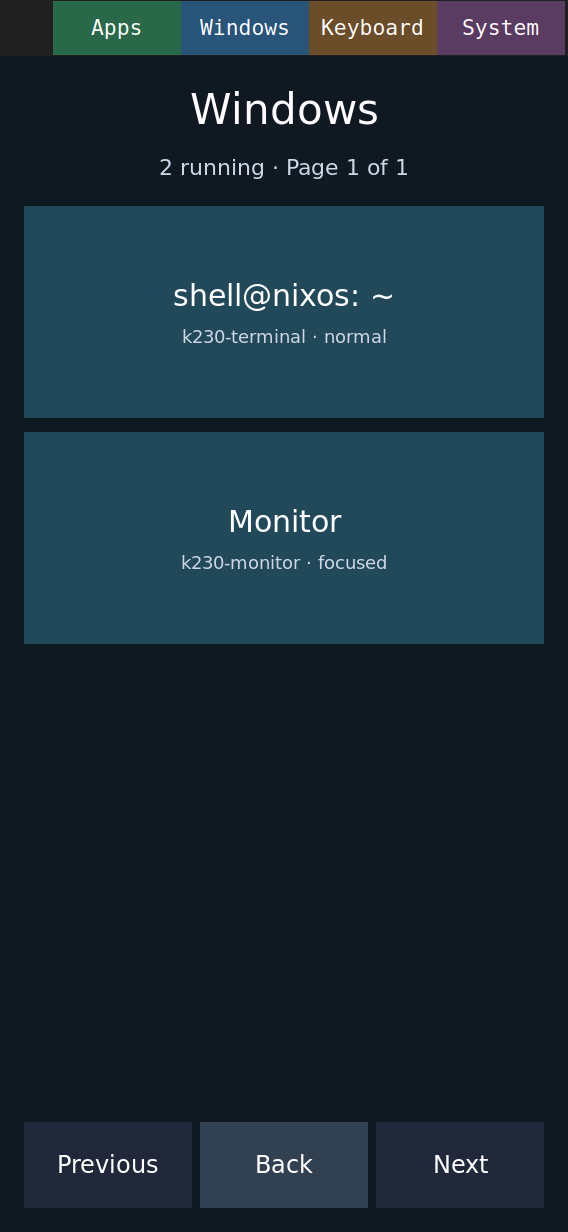
Twenty automated left/right pairs changed pages without misses or duplicates. Final-frame submission took 138 ms median and 163 ms at worst; a separate keyboard-visible run stayed within 139 ms. These measure launcher work, not screen light output. Installed-image recovery checks also passed; a sharper real-finger capture remains outstanding.
The camera angle leaves lower labels softer than the headings. The clip shows the workflow; it does not measure touch latency.
These window cards show app names and state. The next design work is a live card deck: shrink the current app, follow the finger, move between apps, tap to expand and throw to close. That experience is still being built. webOS comparison · UX audit and next priorities.
A separate live-card prototype now passes injected tests on the board: two animated apps update while shrunken, drag and expand work, refused and accepted closes restore focus, and the normal shell recovers afterward. Real-finger feel, product performance and the refined card interface remain in progress. Board prototype evidence and limits.
The opt-in product card shell now has reviewed injected board evidence for two live app surfaces, drag and expansion, private previews, close refusal and timeout recovery, and the existing shell controls. The normal shell restored successfully. This trial is not the default image; performance measurement and real-finger acceptance remain open. Product card interaction evidence.
A longer Pixman trial now measures the remaining gap: tracking frames are about 57 ms apart at the 95th percentile, against a 33 ms target. A repeated upward throw missed its check; after fixing event timing, all 13 interaction checks were observed in one new board run. Memory and release recovery stayed within budget, but frame cost still fails. Performance and real-finger repeatability remain open before image integration. Measured card costs and failed checks · Timing fix and board repeat. A follow-up board CPU profile attributes 83% of two-card update CPU to repaint work, identifying the next optimization target. A scene-ordering comparison removes redundant updates and repeats all 13 interaction checks, but does not establish smoother tracking; performance acceptance remains open.
An optional CPU-vector kernel now passes its first physical state-preservation test: two processes each completed 2,000 checks across signals and scheduling, with the shell and Wi-Fi running. A follow-up on the board matched scalar output exactly in 192 copy, blend and scaling cases while recording actual vector calls. Six matched card runs then showed only small, mixed CPU-cost changes: every run still missed the frame-cost and tracking-cadence budgets, and four missed an upward-throw close check. The normal image remains unchanged. Vector context evidence · Pixel comparisons and limits · Paired card results and decision.
After a throw-recognition fix, three later board runs observed all 13 injected card interaction checks each, including upward close and recovery. Frame-cost and tracking-cadence budgets still fail; focused real-finger acceptance remains open. Throw fix and three board repeats.
The next board profile attributes about 98% of repaint CPU to output-state construction and painting. It retains failed frame/tracking budgets and a renewed upward-throw check failure: 12 of 13 injected checks were observed. The normal shell and networking recovered. A corrected test setup now waits for live-card reconciliation before injecting the throw; its next board run observed all 13 checks. The following same-package cache off/on pair observed all 13 checks in each arm, but the cache increased CPU cost and left tracking cadence unchanged; it stays disabled. Repaint stages, complete trace and remaining gates · Fixture correction and successful injected repeat · Cache comparison and decision.
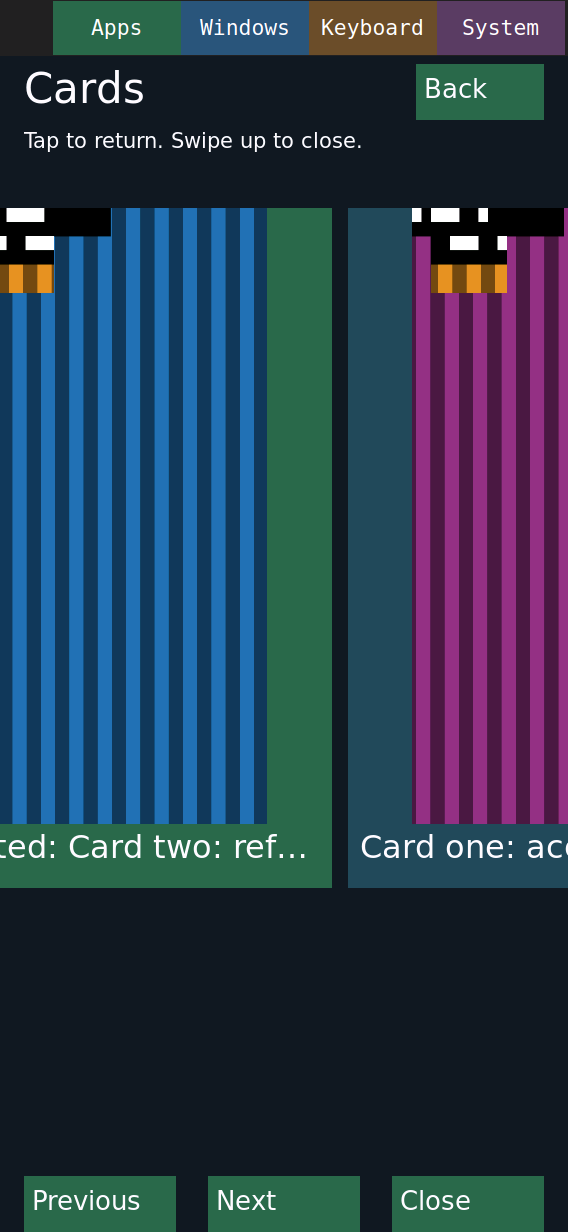
New board checks cover an empty overview and a window closing before its card is selected; both retain Back and a usable Apps surface. Recovery screenshots and checks.
These are native screenshots from a fresh-image boot exercised with injected board input, not physical-finger camera evidence. Help, nano and nnn are available offline. Wi-Fi reconnects automatically after reboot. Association, DHCP, DNS routing over Wi-Fi and an outbound ping passed without manually restarting the connection. Credentials stay in a private root-owned file outside the image and Nix store.
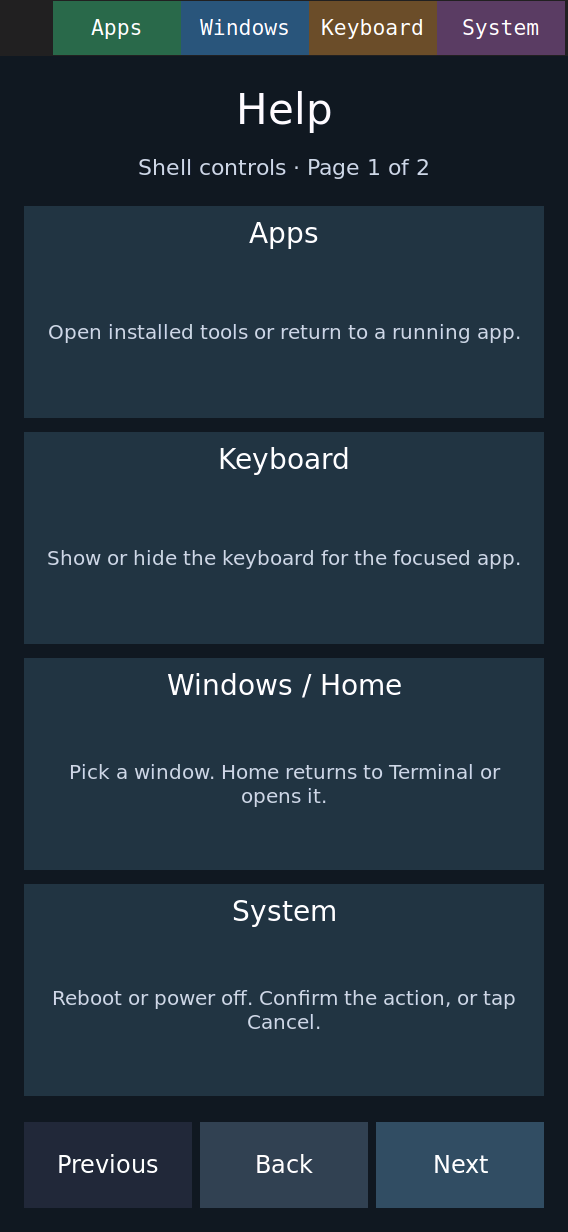
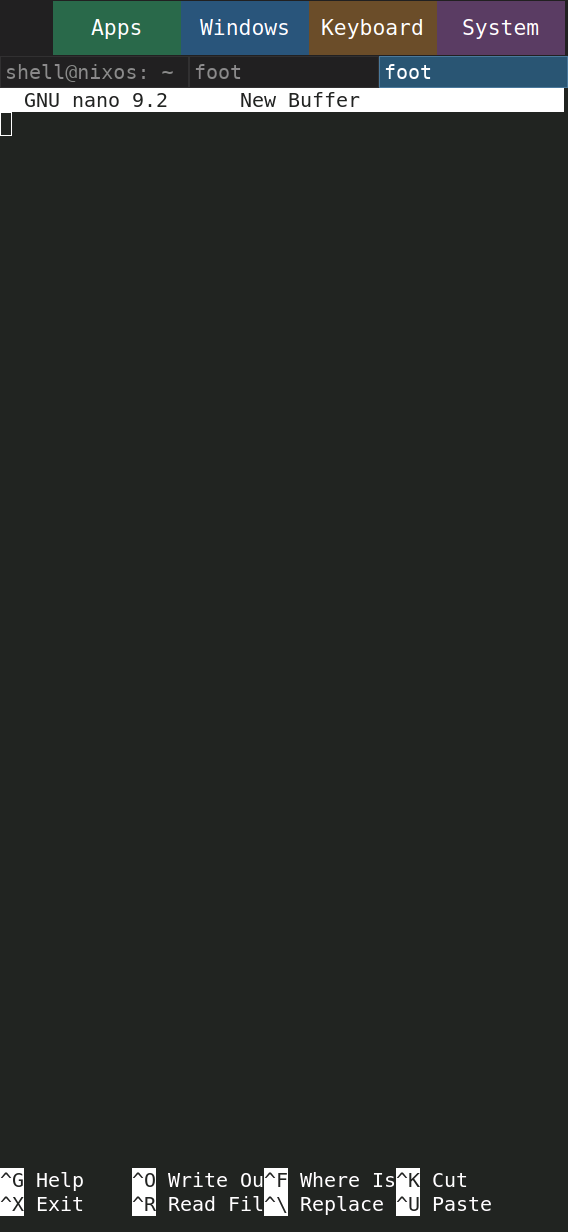
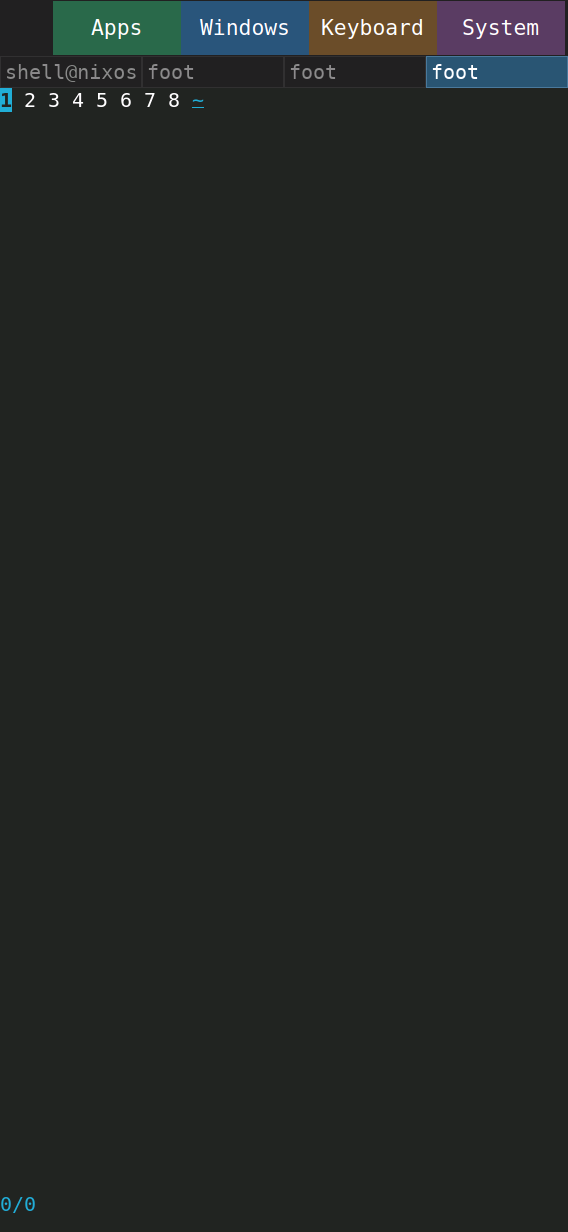
Fresh-image evidence notes · Automatic Wi-Fi reconnect evidence
The system can now use the rest of the card. On the physical 128 GB card, its boot service expanded the compact 2.2 GB root filesystem and left about 119 GB free. Firmware and boot-file hashes stayed unchanged, a root test file survived, and the shell and Wi-Fi returned. A second physical boot confirmed unchanged capacity and boundaries. The downloadable image stays compact. Capacity measurements, boot evidence and recovery details.
The installed Video app now opens the software 480×270 stream through Apps. A 100-second observation recorded advancing playback, zero decoder drops and one output drop; Back stopped the player and returned to the shell. Installed-app trial and captures. Stop, Home and natural EOF now have board cleanup evidence. Controlled decoder initialization failure reaches the software profile; a stream interrupted after playback starts now returns an error and removes its runtime files. The final installed image now passes injected Apps launch, Stop/Back/Home cleanup, keyboard and shell controls, and recovery from launcher allocation failure. Final-image checks and screenshots.
The board streams 640×360 Big Buck Bunny over Wi-Fi using its hardware video decoder. Point scaling and a video-sized window reduced reported output drops to zero in a 30-second trial; a repeat with screenshot capture reported two. This is a silent, fixed-30-fps experiment with a timing workaround, not yet the default video app. The shell still renders on the CPU. A separate 2.5D GPU probe now passes RGB565 and private DRM-buffer sharing checks. Its full-panel scale used about 94% less process CPU time but took 11% longer overall than Pixman; compositor integration is an opt-in experiment with host correctness checks; board integration remains open.
The compositor experiment now submits real scene frames to the 2.5D GPU. A new upload correction makes the captured parent and child colors match Pixman exactly, fixing the earlier mismatch. Keeping the GPU context open cut measured render-pass time from 149 ms to about 44 ms. Three paired trials completed 490–495 GPU frames with zero CPU replays, versus 566–571 with forced Pixman. The captured colors still match, but this GPU path still costs more time and CPU than Pixman. The normal shell recovered and remains on Pixman. Repeated measurements, scene captures and remaining limits.
The latest steady-playback comparison recorded about 29.99 presented updates per second for software 270p and 29.84 for hardware-decoded 360p. Software had no output drops; hardware decode had six. MVX seeking also caused a separate multi-second stall, so software remains the default. These are hardware-signalled compositor measurements, with no independent light-output timing. Comparison and seek limitation · Interrupted-stream recovery.
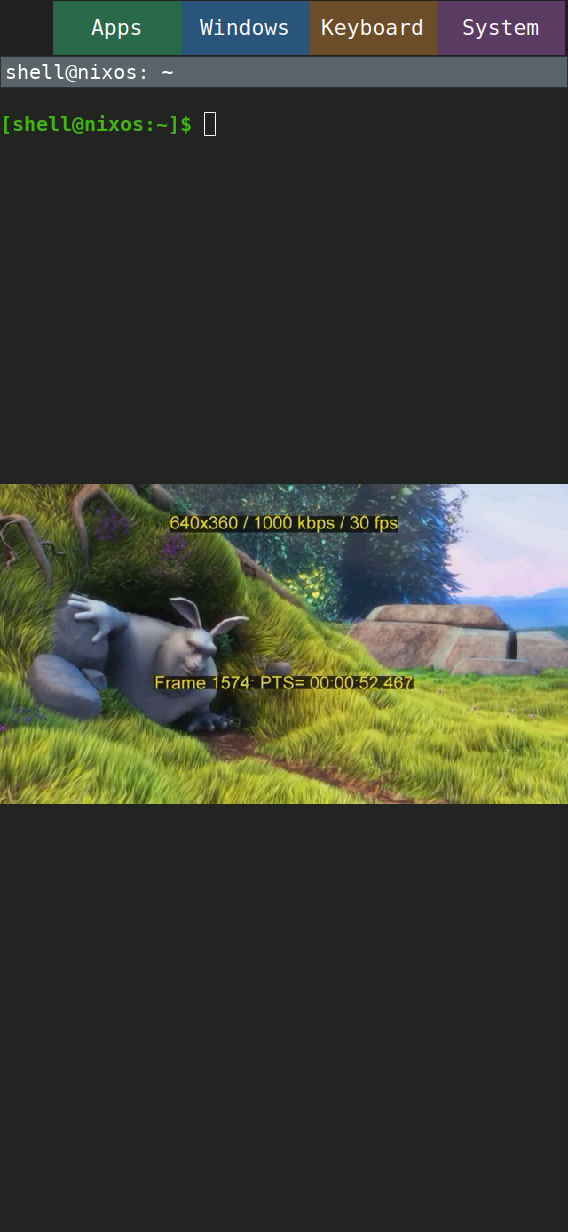
Measurements and trial notes · 2.5D GPU measurements and integration limits · Initial software baseline · Big Buck Bunny © 2008 Blender Foundation, CC BY 3.0.
The operator entered echo 1qazoplm and confirmed the output. The native screenshot retains the initial exho typo and its successful correction. A follow-up camera clip shows finger interaction and the keyboard appearing; the operator confirmed the full visibility sequence.
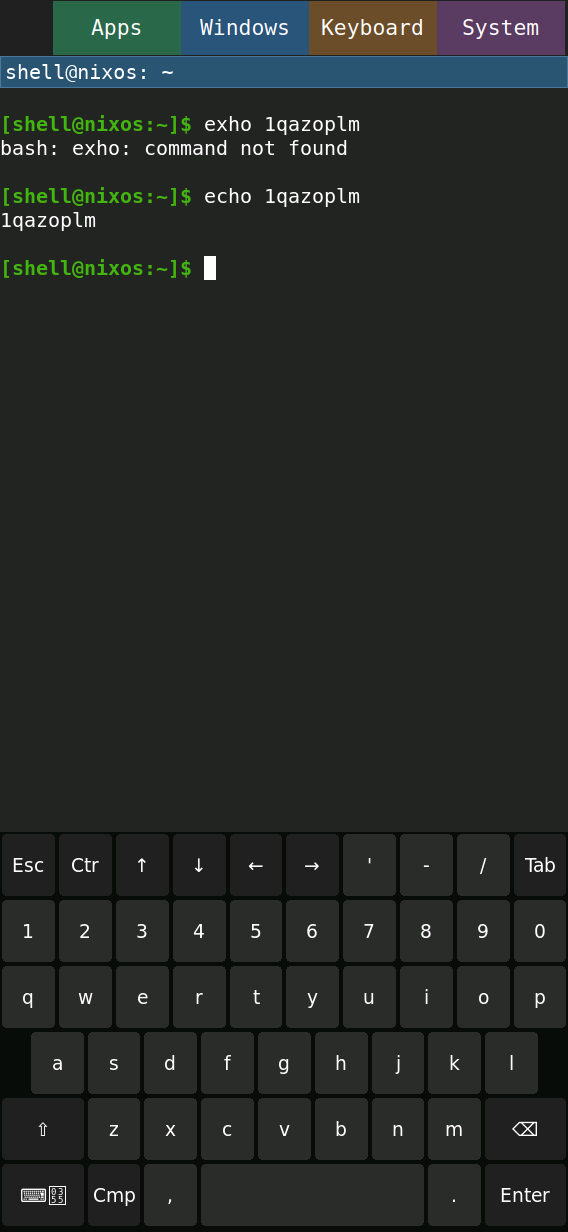
The hide transition is not resolved in the recording. A deliberate full-panel drag has not been recorded.
The camera shows Applications, Monitor and Terminal during the finger-driven session. The operator separately confirmed that Home works. The launcher discovers installed desktop entries; Terminal and Monitor are available in the image.
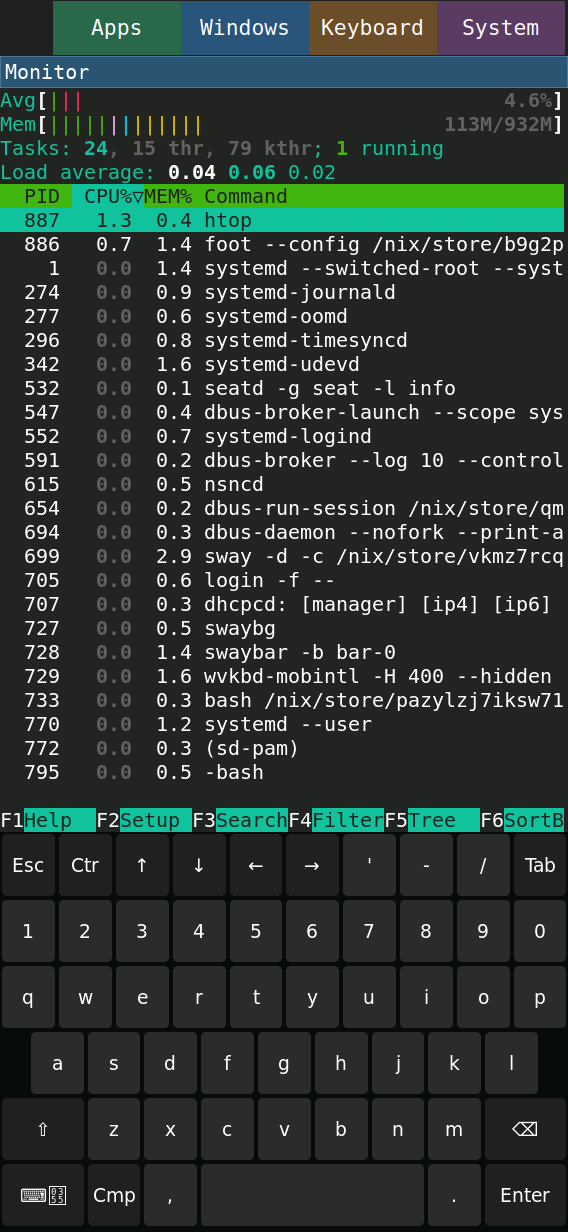
The recording does not resolve the named Windows Next action or the complete exit/Home sequence. Home acceptance comes from the operator's direct report.
The host camera kept recording through the touch-triggered reboot. Serial logs record shutdown and boot, and the runtime check confirms that the shell, seatd and firewall returned automatically.
This was a warm reboot on existing USB power. The camera does not make every confirmation label legible; the operator confirmed the workflow.
